CRM With Invoicing and Scheduling: Stop the Copying Hour Forever
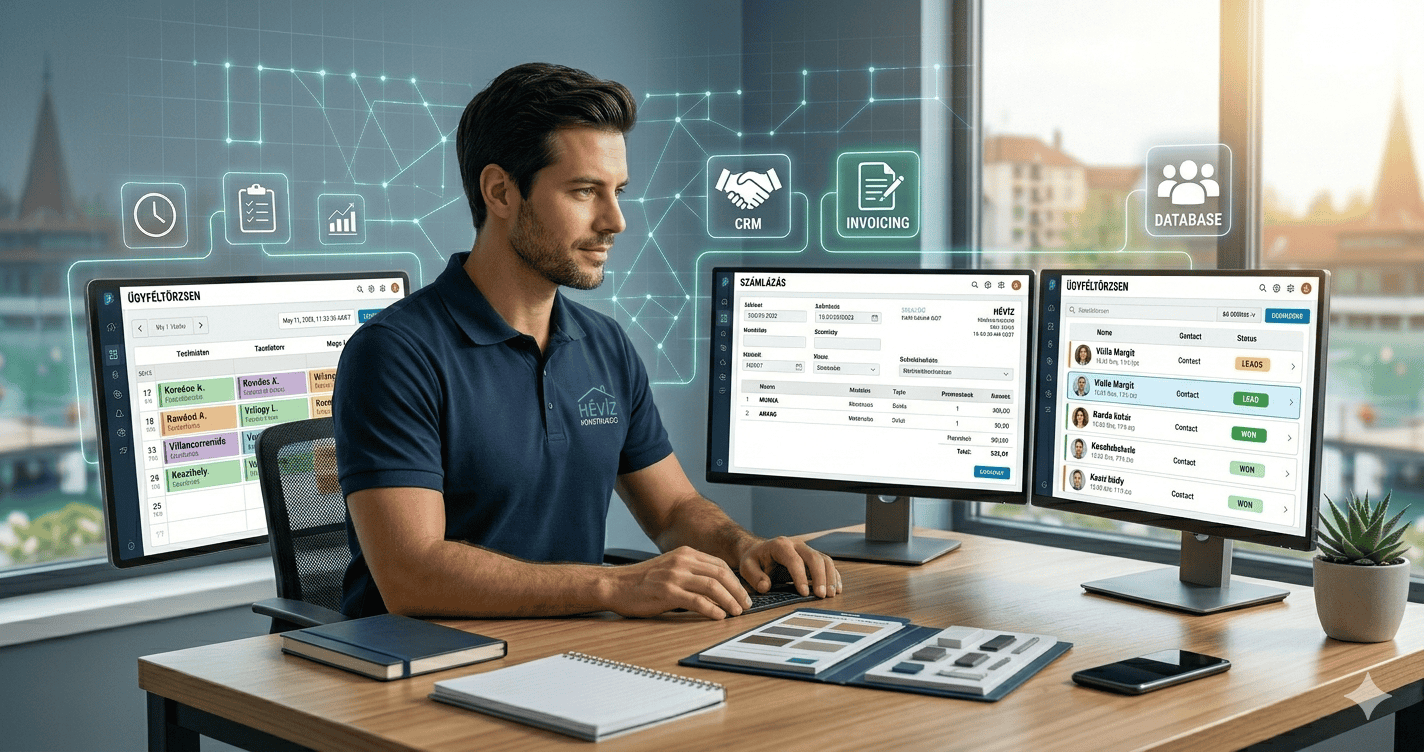
A cleaning business owner once described her Tuesday afternoons as “the copying hour” — a new client would book through her calendar app, and she’d then re-type their name, address, and phone number into her invoicing software, then again into the notebook she used to track who’d actually paid. Three places, one piece of information, every week, forever. Finding a CRM with invoicing and scheduling that handles all three is really the answer to that specific problem: client information only needs to exist once, and everything else flows from it automatically.
This guide covers what to actually look for in a CRM with invoicing and scheduling, the platforms that deliver it best for service businesses in 2026, and the honest trade-offs between combined tools and best-in-class specialists.
Where the Friction Actually Shows Up
The problems with disconnected tools are rarely dramatic. A customer’s phone number gets updated in the scheduling app after they call to confirm a change, but the invoicing tool still has the old one, so the payment reminder never arrives. A job gets marked complete on the calendar but nobody remembers to generate the invoice until the client asks, three weeks later, why they haven’t been billed. A new client gets booked but their address never makes it into the CRM, so when they call again there’s no record of the previous job.
None of these are catastrophic. They’re just small enough to go unnoticed while still costing real time and, occasionally, real money. A combined platform removes this category of small error by making the client record the single source of truth for everything — booking, job history, invoice, and payment status all in one place.
What a CRM With Invoicing and Scheduling Actually Needs to Do
Client records that persist across jobs. Every booking, job note, invoice, and payment logged against the same contact, so anyone on the team has full context without re-asking for it.
Booking clients can do themselves. A self-booking link that lets clients choose a time without a phone-tag cycle. The best combined platform connects self-booking directly to the client record, so the appointment appears in the calendar and the contact history simultaneously.
Invoices that generate from job data. Once a job is marked complete, the invoice should either generate automatically or require minimal input — pulling the client’s details, the service performed, and the agreed price from what was already in the system. No re-typing.
Automated payment reminders. A polite nudge sent automatically when a payment is overdue removes the awkward conversation that most business owners put off having. Most CRM with invoicing and scheduling platforms include this as a standard workflow.
Follow-up automation. Harvard Business Review’s research on customer retention finds that keeping an existing client costs a fraction of acquiring a new one. A platform that also handles rebooking reminders and client re-engagement sequences turns this principle into automatic revenue.
Our Top Picks: CRM With Invoicing and Scheduling in 2026
1. Systeme.io + Zoho Invoice — Best Free CRM With Invoicing and Scheduling
Systeme.io handles the CRM, email automation, and scheduling side — client records, automated follow-ups, booking pages, and appointment reminders — free for up to 2,000 contacts. Paired with Zoho Invoice (free for up to 5 clients, then $9/month), it delivers a CRM with invoicing and scheduling at minimal cost for most small service businesses.
The integration requires a simple Zapier connection to keep invoice records and CRM contacts in sync — a one-time setup rather than ongoing manual work. For solo operators and small teams where budget is the priority, this combination covers the essential CRM with invoicing and scheduling functionality without the overhead of a dedicated field service platform.
📋 Best free CRM with scheduling and follow-up automation
Client records, booking pages, and automated reminders — free for up to 2,000 contacts. Pair with Zoho Invoice for free invoicing.
2. Zoho CRM + Zoho Invoice + Zoho Bookings — Best Integrated Suite for Growing Teams
Zoho CRM is the most tightly integrated CRM with invoicing and scheduling option for service businesses that want everything from one company. Zoho CRM (free for three users), Zoho Invoice (free), and Zoho Bookings ($6/month) are native siblings — a booking in Bookings creates a contact in CRM, a completed job in CRM can trigger an invoice in Invoice, and the payment status flows back across all three without manual sync.
For service businesses managing multiple clients, team members, and recurring jobs, this Zoho suite removes the sync problem entirely. Everything speaks the same language because it’s all built by the same company on the same platform. This is the strongest fully-integrated option for teams of two to fifteen.
✓ Best integrated CRM + invoicing + scheduling suite
Zoho CRM (free, 3 users) + Zoho Invoice (free) + Zoho Bookings ($6/month) — all native, all synced, all from one provider.
3. Pipedrive + Xero/QuickBooks — Best CRM With Invoicing for Active Sales Pipelines
Pipedrive is the best choice for the CRM side when active quoting and pipeline management are the primary need — its visual pipeline and deal rotting alerts keep every estimate visible until it’s won or genuinely closed. For invoicing, Pipedrive connects natively to Xero and QuickBooks, which handle invoicing more robustly than most CRM-adjacent tools.
This isn’t a single-platform CRM with invoicing and scheduling, but for businesses where the sales pipeline is complex and the invoicing volume is high, the specialist combination delivers better results than any all-in-one. From $14/user/month for Pipedrive plus whatever your accounting software costs.
🔧 Best pipeline management + native invoicing integration
Visual pipeline with deal rotting alerts + native Xero/QuickBooks connections. From $14/user/month.
CRM With Invoicing and Scheduling vs Dedicated Field Service Platforms
Field service platforms like Jobber and Housecall Pro are purpose-built for trades businesses with field technicians — route optimisation, GPS tracking, on-site payment collection, and dispatch management built around a daily job schedule. They handle scheduling and invoicing exceptionally well within that specific context.
The difference from a CRM with invoicing and scheduling is the emphasis. Field service platforms optimise for job delivery. CRM platforms optimise for client relationships — winning new work, retaining past clients, automating follow-up, and managing sales pipelines. Most growing service businesses eventually need both: a CRM for the client relationship side, and either a field service platform or accounting integration for the operational side. The platforms above all accommodate that two-tool approach without requiring everything on one expensive platform.
How to Choose the Right CRM With Invoicing and Scheduling
Solo or very small team, budget-first: Systeme.io’s free plan for CRM and scheduling, plus Zoho Invoice free for invoicing. Gets the essential functionality running at minimal cost.
Team of two to ten, want everything native: The Zoho suite — CRM, Invoice, and Bookings all from one provider, all in sync, with the free plan covering most of what a small service team needs.
Active quoting pipeline with high invoice volume: Pipedrive for the CRM and pipeline side, plus Xero or QuickBooks for invoicing. Two best-in-class specialists rather than one mediocre all-in-one.
Field service with technicians and route optimisation: A dedicated field service platform (Jobber, Housecall Pro) handles the operational side; pair with one of the CRM options above for the client relationship and lead management side.
Getting Started: What to Set Up First
The most common mistake is trying to configure every feature before going live. The better approach: import your existing client list, set up the basic booking workflow, configure one invoice template for your most common service, and then go live with just that. Once the basics are running without friction, add the automated payment reminders, the rebooking sequences, and the follow-up automations.
A well-configured platform saves the most time not from its most advanced features but from the basic ones running consistently — every job having an invoice, every client having a record, and every overdue payment getting a reminder without anyone having to remember to send it.
Frequently Asked Questions
What is the best free CRM with invoicing and scheduling?
Systeme.io (free for 2,000 contacts) paired with Zoho Invoice (free) covers that functionality at no cost. Alternatively, Zoho CRM + Zoho Invoice + Zoho Bookings covers all three from one provider, with CRM free for three users and invoicing free.
Does a CRM with invoicing and scheduling replace accounting software?
For most small service businesses, yes — the invoicing features in Zoho Invoice or a connected tool cover what’s needed. For businesses with complex accounting needs (payroll, inventory, multi-currency), a dedicated accounting platform like Xero or QuickBooks is worth maintaining alongside the CRM.
Can clients book themselves through a CRM with invoicing and scheduling?
Yes — all three options above support self-booking. Systeme.io has built-in booking pages, Zoho Bookings is a native add-on to Zoho CRM, and Pipedrive integrates with scheduling tools like Calendly natively.
Compare Your Options
For a broader comparison of CRM pricing across platforms, G2’s CRM category is a useful independent reference. Related reading: our guides on best scheduling CRM for contractors, CRM for appointment reminders, and best CRM for service businesses.
Affiliate Disclosure: This article contains affiliate links. If you click through and make a purchase, we may earn a commission at no additional cost to you. We only recommend products we believe add real value to our readers.