CRM for Salon Suite Owners: Keep Your Chair Full Without a Front Desk
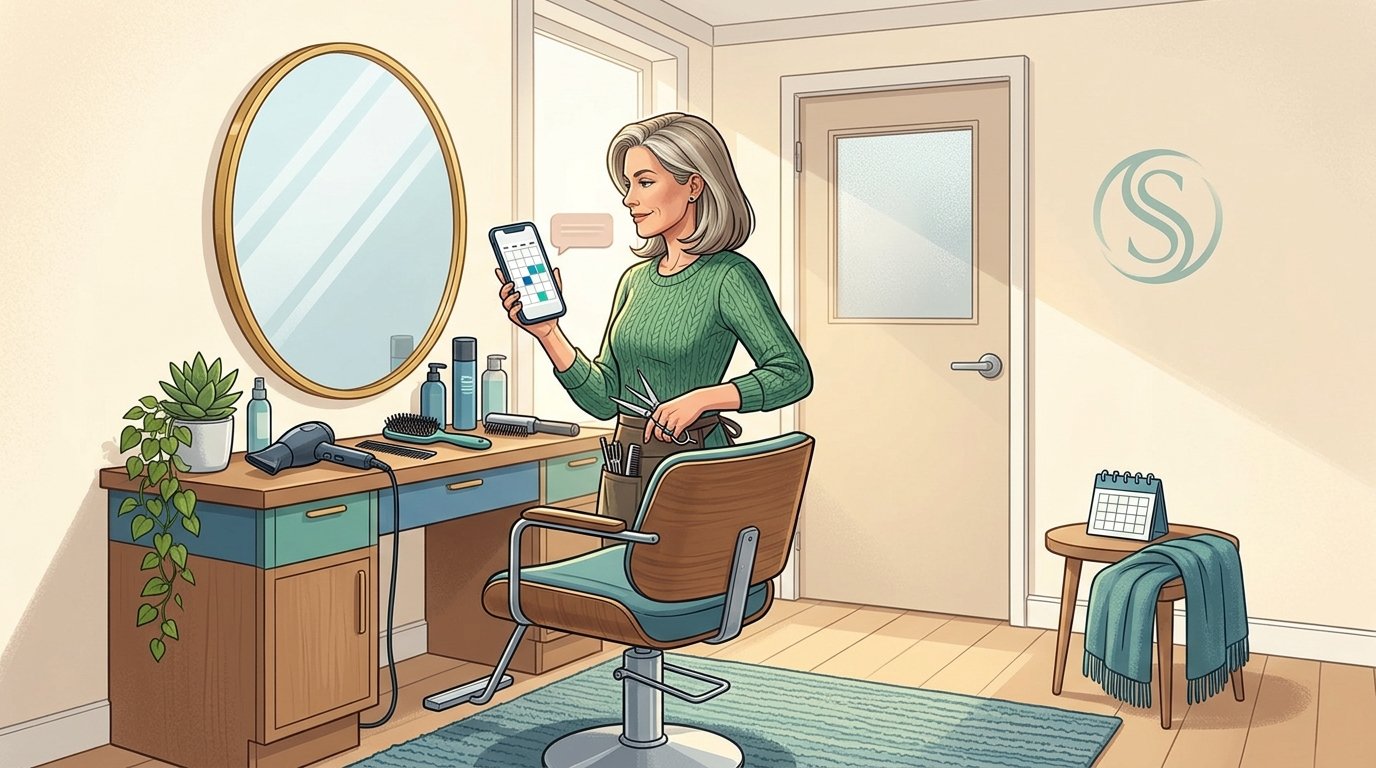
A stylist leaves a busy salon to rent her own suite. In the salon, the front desk confirmed appointments, chased no-shows and texted regulars when it was time to rebook. In the suite, all of that is now her job, squeezed between clients, with her phone face down on the trolley. Within three months, a handful of her regulars have quietly drifted to the salon she left.
Salon suite owners and booth renters are running a one-person business inside someone else’s building. The best CRM for salon suite owners isn’t a big salon system; it’s a light setup that books clients, reminds them, brings them back on time and keeps your client list yours. This guide covers what a suite owner actually needs, a setup you can copy, the messages to automate and which tools fit.
Editor’s choice for client follow-up: Systeme.io
Rebooking reminders, birthday and lapsed-client emails, simple offer pages and payments, free for up to 2,000 contacts. Pairs with whichever booking app you already use.
What’s different about running a salon suite
- No front desk. Every confirmation, reminder and rebooking message has to happen automatically or not at all.
- Your client list is your business. If you move suites or buildings, your clients need to be able to find you, so the list must live in a tool you control.
- Rent is due whether you’re booked or not. Empty chairs from no-shows and late rebookings cost you directly.
- Growth comes from regulars and referrals, not walk-ins from a salon’s shopfront.
Booking app, CRM or both?
Most suite owners need two jobs done: booking (online scheduling, deposits, reminders, payments) and relationships (rebooking at the right time, bringing back lapsed clients, birthdays, reviews and referrals).
Salon booking apps such as Vagaro, GlossGenius, Fresha or Square Appointments handle the booking side well, and many include basic reminders. We don’t have partnerships with them.
What they often do less well is the relationship side: tagging clients by service, sending the right message at the right time, and running simple campaigns. That’s where a light CRM or email tool earns its place, and why a CRM for salon suite owners usually sits alongside the booking app rather than replacing it.
| Job | Usually handled by |
|---|---|
| Online booking, deposits, card on file | Your salon booking app |
| Appointment reminders | Your booking app (switch them on) |
| Rebooking prompts by service | CRM or email tool |
| Lapsed-client and birthday messages | CRM or email tool |
| Reviews and referrals | Either, as long as it’s automatic |
A CRM setup for salon suite owners you can copy
- Export your client list from your booking app and import it into your CRM, with the date of each client’s last visit.
- Tag by service and rhythm: colour (every 6 weeks), cut (every 8 weeks), lashes (every 3 weeks), and so on.
- Set one rebooking reminder per tag, timed a week before the client is due.
- Add a lapsed-client message for anyone two cycles overdue.
- Add a review request after a client’s second or third visit, when they’re clearly a regular. Google has tips on getting more reviews worth a quick read.
- Once a month, export new clients from the booking app so the CRM stays current, or connect the two if your tools allow it.
That’s the whole system. Most of the value of a CRM for salon suite owners comes from steps 3 to 5 running quietly every week.
Messages worth automating
Rebooking reminder (a week before they’re due): “Hi [Name], it’s nearly time for your [colour refresh]. I’ve got a few spots next week; grab one here before they go: [link].”
Lapsed client (two cycles overdue): “Hi [Name], I haven’t seen you in a while and wanted to check in. If you’d like to come back in, here are my next openings: [link]. Hope you’re well!”
Birthday: “Happy birthday, [Name]! Treat yourself this month: [small offer] on your next visit. Book here: [link].”
Review and referral (after the third visit): “Thank you for being a regular, [Name]. If you’re happy with your [service], a quick Google review helps people find my suite: [link]. And if a friend is looking for a stylist, I’d love to meet them.”
When you move suites: “Big news, [Name]: from [date] you’ll find me at [new address]. Same chair, same me. Book your next visit here: [link].”
What it’s worth
If you’re weighing up a CRM for salon suite owners, the maths is simple. If you see 120 regular clients and an on-time rebooking reminder brings each of them back one week sooner across the year, that adds up to several extra appointments a week without a single new client. Bringing back just five lapsed clients a month at a $90 average is $450 a month.
Sharing a suite with other stylists?
Zoho CRM keeps each stylist’s clients separate while letting you share a booking page. Free edition for up to 3 users; workflow automation on paid editions.
Selling bridal parties and event styling?
Pipedrive keeps every wedding, prom and event enquiry on one board with reminders for each follow-up, so bigger bookings don’t slip. Free trial.
Which CRM fits salon suite owners
- Systeme.io: solo suite owners who already have a booking app and want rebooking, birthday, lapsed-client and review emails running automatically. Free for up to 2,000 contacts. Not for: replacing your booking app or sending texts natively.
- Zoho CRM with Zoho Bookings: two or three stylists sharing a suite who want one system for booking and client records, with permissions so each keeps their own clients; Zoho’s customer case studies include beauty and wellness businesses that grew from one chair. Not for: someone who wants a beauty-specific app with a client-facing marketplace.
- Pipedrive: suite owners who also sell bridal parties, editorial work or event styling and want to track each enquiry through to a booking. Not for: rebooking regular clients.
- A salon booking app on its own: fine if it already sends rebooking and lapsed-client messages you can customise. Check before adding another tool.
How a CRM for salon suite owners differs from salon software
Full salon software is built for a business with a front desk, several chairs, payroll and a retail shelf. Most of that is dead weight when you rent one suite. You pay for features you never open, and the part you actually need, keeping regulars coming back, is often the weakest bit.
A CRM for salon suite owners flips that around. It assumes your booking app already handles the calendar and focuses on the relationship: who is due, who has drifted, who loves a particular service and who has never left a review.
Think of it as the memory your old front desk used to provide. The receptionist knew that Sarah books colour every six weeks and that Priya always wants a Saturday. A CRM for salon suite owners stores those patterns and acts on them for you.
A week with and without a system
Without one: on Monday you scroll your phone to see who hasn’t booked lately. On Wednesday a regular texts asking for a slot you no longer have. By Friday you have a gap on Saturday morning and no quick way to fill it.
With one: rebooking reminders went out automatically last week, so Saturday filled itself. A lapsed client got a friendly check-in and rebooked. Two regulars received a review request, and one left five stars.
The difference isn’t working harder. It’s that a CRM for salon suite owners does the follow-up you never have time for between foils and blow-dries.
Checklist: choosing your system
- It imports your client list from a spreadsheet or your booking app in minutes.
- It lets you tag by service and rhythm, so reminders match each client’s cycle.
- It sends emails (and ideally texts) automatically, based on dates or tags.
- The list is yours to export at any time, whatever happens with your rental.
- It costs little or nothing while you’re building your client base.
- It works on your phone, because that’s where you’ll check it.
Any CRM for salon suite owners that ticks these six boxes will cover the essentials. Anything beyond that is a bonus, not a requirement.
Moving suites without losing clients
Suite owners move more often than salon owners: a better location, a bigger room, a building that changes hands. Every move is a moment when regulars can slip away.
With your client list in a CRM for salon suite owners, a move becomes a short campaign. Send the announcement a month before, a reminder a week before and a “we’re open” message on the first day, each with your new booking link.
Mistakes to avoid in the first month
- Importing everyone with no tags. A list without service tags can only send generic blasts. Tag first, then automate.
- Sending too much. One well-timed rebooking reminder beats four promotional emails. Clients unsubscribe from noise.
- Writing like a brand. Your clients book you, not a company. Messages from a CRM for salon suite owners should sound like the texts you already send.
- Forgetting consent. Only message clients who are happy to hear from you, and make unsubscribing easy.
- Never checking results. Once a month, look at who rebooked after a reminder and who didn’t. Adjust the timing, not just the wording.
Avoid those five and a CRM for salon suite owners becomes something clients appreciate rather than ignore. The goal is simple: every regular hears from you at the right moment, and nobody hears from you too often.
What it costs
Costs are lower than most stylists expect. Systeme.io’s free plan covers up to 2,000 contacts, which is more than most suites will ever need. Zoho CRM has a free edition for up to 3 users, with workflow automation on its paid editions.
Weigh that against one lost regular a month. At a $90 average visit every six weeks, a single regular is worth several hundred dollars a year, so a CRM for salon suite owners usually pays for itself with the first client it keeps.
Frequently asked questions
What is the best CRM for salon suite owners?
For most solo suite owners, the best CRM for salon suite owners is a salon booking app for scheduling plus Systeme.io for rebooking reminders, lapsed-client messages and reviews. Suites shared by two or three stylists may prefer Zoho CRM with Zoho Bookings.
Do booth renters need a CRM?
If you’re responsible for filling your own chair, yes. Booth renters face the same problem, so the same CRM for salon suite owners setup works for them. A CRM keeps your client list in a tool you control and makes sure regulars are reminded to rebook on time.
What is the best salon CRM for managing client relationships?
One that tags clients by service and visit rhythm and sends the next message automatically: a rebooking reminder before they’re due, a check-in when they’re overdue, and a review request once they’re regulars.
Who owns my client list if I rent a suite?
Check your rental agreement. Keeping your own export of client contacts, with their consent to hear from you, protects you if you ever move.
Is a CRM for salon suite owners worth it if I already have a booking app?
Usually yes. The booking app fills the calendar; the CRM brings regulars back on time, wins back lapsed clients and asks for reviews, which most booking apps do only lightly.
How long does it take to set up?
An afternoon for the basics: import your clients, add service tags, and write three messages (rebooking, lapsed client and review request). You can add birthday and seasonal messages later.
Can a CRM for salon suite owners send text messages?
Some can, often through an add-on or integration. Systeme.io focuses on email; if texting matters most, check whether your booking app can send the rebooking reminder by text.
Compare our top picks
Related guides
- CRM for salons
- Appointment reminder texts that cut no-shows
- No-shows and scheduling: every guide in one place
- Repeat customers and retention: every guide in one place
- CRM for massage therapists
Affiliate Disclosure: This article contains affiliate links. If you sign up through them we may earn a commission at no extra cost to you. It never decides which tool we recommend. See how we test and recommend tools.