Pipedrive vs Zoho CRM vs GoHighLevel: Which One Actually Fits Your Team
HubSpot is genuinely good, but the jump from its free tier to Professional at $890/month stops most small service businesses cold. So the real decision most owners end up facing is a three-way choice: Pipedrive, Zoho CRM, or GoHighLevel — each built for a different kind of operation, and picking the wrong one costs you either money or missing features down the line.
This is a head-to-head look at all three across pipeline management, automation, ease of use, and price, plus a decision framework at the end so you’re not just staring at feature lists. For a broader list of options, our HubSpot alternatives guide covers more ground.
Quick Comparison
| Pipedrive | Zoho CRM | GoHighLevel | |
|---|---|---|---|
| Best for | Pipeline-focused teams | Growing teams, multi-channel | SMS-heavy, inbound call businesses |
| Starting price | $14/user/month | Free / $14/user/month | $97/month flat |
| Free plan | ❌ No (14-day trial) | ✓ Up to 3 users | ❌ No (14-day trial) |
| SMS automation | Via integrations only | Via Zoho Cliq / integrations | ✓ Native, built-in |
| Email automation | Advanced plan+ ($34) | ✓ All paid plans | ✓ Built-in |
| Setup complexity | Low — up in about an hour | Medium — 2–5 hours | High — 10–20 hours |
| Field scheduling | ❌ No | Via Zoho Books/FSM | ❌ No |
Who Each Platform Is Actually Built For
Pipedrive — Built by Salespeople, for Salespeople
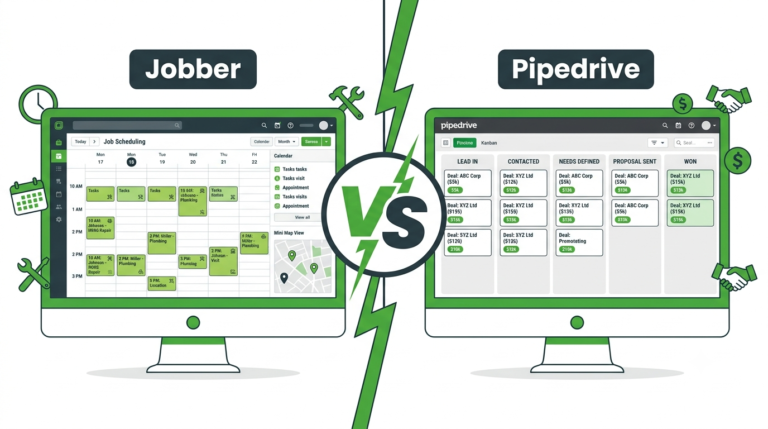
Pipedrive’s whole design philosophy is one thing done well: move a deal through a pipeline and close it. The visual kanban board is the clearest of any CRM at this price point, and for a business with a straightforward quote-follow-up-close process, that clarity is genuinely valuable.
It’s also the fastest of the three to get running — most people have a live pipeline within an hour. What it doesn’t do: no native SMS, no VoIP, no funnel builder, no review management. It’s a sales tool, not a marketing platform, so businesses needing nurture sequences will end up paying for integrations that chip away at its price advantage.
Best fit: one to three salespeople, a clear quote-and-close workflow, and B2B service sales like commercial cleaning or facility management where relationship-by-relationship deal tracking matters most.
Zoho CRM — The One That Grows With You
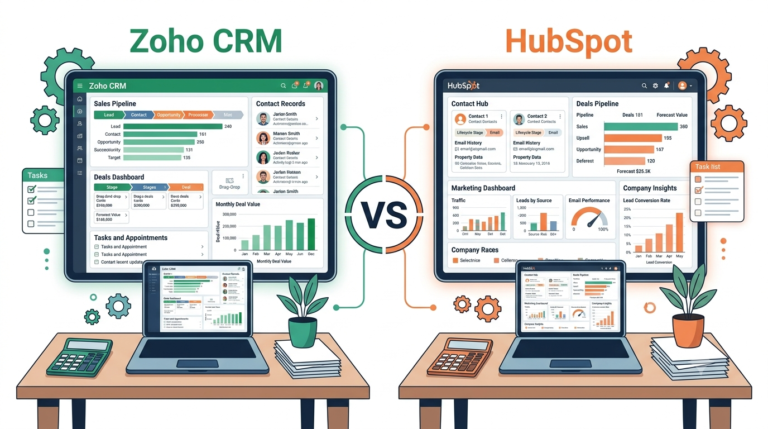
Zoho sits in the middle — more capable than Pipedrive, less SMS-obsessed than GoHighLevel. Its real strength is the ecosystem: CRM connects natively with Zoho Bookings, Invoice, Desk, and Cliq, which starts to matter once you’re coordinating more than just sales.
The workflow automation is genuinely powerful — multi-step sequences that trigger off lead source, deal stage, or custom fields — and the free tier (up to three users) is the most generous of the three. Zoho’s own documentation covers the lead scoring and territory management features that make it a sensible long-term home for teams past five or ten people.
Best fit: a growing team of three to fifteen managing multiple lead sources, or anyone already using other Zoho products.
GoHighLevel — A Different Kind of Tool Entirely
GoHighLevel isn’t really competing with the other two — it’s an automation platform with a CRM built in, rather than a CRM with automation bolted on. Its edge is SMS and phone-first response: missed call text-back, two-way texting, and AI-driven 24/7 response that neither Pipedrive nor Zoho offer out of the box.
For phone-dependent trades — HVAC, plumbing, electrical, roofing — that’s genuinely transformative. The trade-off is real too: expect ten to twenty hours of setup, likely with agency help, no field scheduling, and a base cost plus SMS fees that make it the priciest option for small teams. We cover this in more depth in our GoHighLevel review.
Best fit: businesses missing a meaningful share of inbound calls, running paid ads that need funnels and pipeline tracking together, or already paying for three-plus tools this could consolidate.
Where Each One Actually Wins
Pipeline clarity: Pipedrive, clearly. Zoho’s pipeline is solid but feels secondary to the broader platform; GoHighLevel’s works but isn’t built for pure deal tracking.
SMS automation: GoHighLevel, not close. Native two-way texting and missed call recovery beat anything Pipedrive or Zoho can do without third-party add-ons.
Email automation: Zoho, generally — available on every paid plan and more flexible than Pipedrive’s equivalent (which is locked behind the $34/month Advanced tier).
Setup speed: Pipedrive, by a wide margin.
Value for a very small team: Zoho’s free tier or Pipedrive’s $14/month plan — GoHighLevel’s flat $97/month is hard to justify unless the SMS ROI is immediate.
Value as you grow past five people: Zoho, mostly because per-user pricing scales predictably and the ecosystem grows with you rather than forcing a platform switch.
What This Actually Costs at Different Sizes
| Scenario | Pipedrive | Zoho CRM | GoHighLevel |
|---|---|---|---|
| Solo operator | $14/month | $0 (free) | $97–$147/month |
| 3-person team | $42/month | $0–$42/month | $97–$147/month |
| 5-person team + email automation | $170/month (Advanced) | $100/month (Standard) | $97–$147/month |
| 10-person team | $340/month | $200/month | $97–$147/month |
Worth noting: GoHighLevel gets relatively cheaper as headcount grows, since it’s a flat rate rather than per-user. Past eight or so people, it can undercut both the others — if its specific features are ones you actually need. On price alone at any smaller size, Zoho wins.
A Simple Way to Decide
Pick Pipedrive if you’ve got one to three salespeople, your main pain point is deal tracking rather than marketing automation, and you want to be running today rather than after a week of setup.
Pick Zoho if you’re a growing team of three to fifteen that will outgrow a simple pipeline tool, need multi-channel lead management, or are already in the Zoho ecosystem.
Pick GoHighLevel if you’re inbound-call-dependent, missing a real chunk of calls, running paid ads that need funnels alongside a CRM, or currently juggling several tools this could replace.
If None of These Feel Right Yet
For businesses that want CRM, email automation, and pipeline management without the complexity or cost of any of the three above, Systeme.io at $27/month (or free up to 2,000 contacts) covers a lot of the same ground at a fraction of the price. It won’t match GoHighLevel’s SMS depth or Zoho’s team management, but it’s a sensible place to start before committing to something more specialized.
Related reading: our GoHighLevel review and HubSpot vs Pipedrive comparison.
Affiliate Disclosure: This article contains affiliate links. If you click through and make a purchase, we may earn a commission at no additional cost to you. We only recommend products we believe add real value to our readers.