Missed-Call Text-Back: Scripts and Setup for Service Businesses
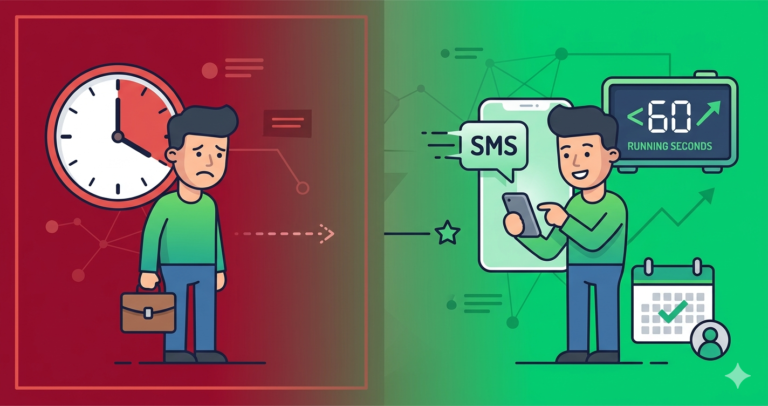
A homeowner’s water heater fails on a Sunday morning. She calls four plumbers from Google. Three ring out. The fourth rings out too, but thirty seconds later her phone buzzes: “Hi, sorry we missed your call! We’re on a job right now but want to help. Reply here or book online.” She replies. That plumber has the job booked before the other three have even seen the missed-call notification.
That is the whole case for missed-call text-back. Plenty of callers who reach voicemail never leave a message, and they rarely wait for a callback. They ring the next name on the list. This guide shows what a missed call costs, the exact texts to send (for business hours, evenings and emergencies), and the three ways to set it up, from a free option on your existing phone to a full CRM workflow.
Editor’s choice for fast lead response: Zoho CRM
Log every missed call as a lead, trigger the follow-up automatically and see which enquiries nobody has answered yet. Free edition for up to 3 users; workflows on paid editions, and texting runs through a phone or SMS integration.
What a missed call actually costs
Do the maths with your own numbers. Take a business that gets 50 calls a month and misses 15 of them during busy periods. If half of those callers had a real job and you’d normally book half of the real jobs, that is 3 to 4 lost jobs a month. At a $250 average job, roughly $900 a month is going to whoever picked up. For an HVAC or roofing company with bigger tickets, the same arithmetic runs into thousands.
The loss also compounds. A caller who books someone else doesn’t just take this job with them. They take the next service, the referral and the review too.
How missed-call text-back works
- A call rings out or goes to voicemail.
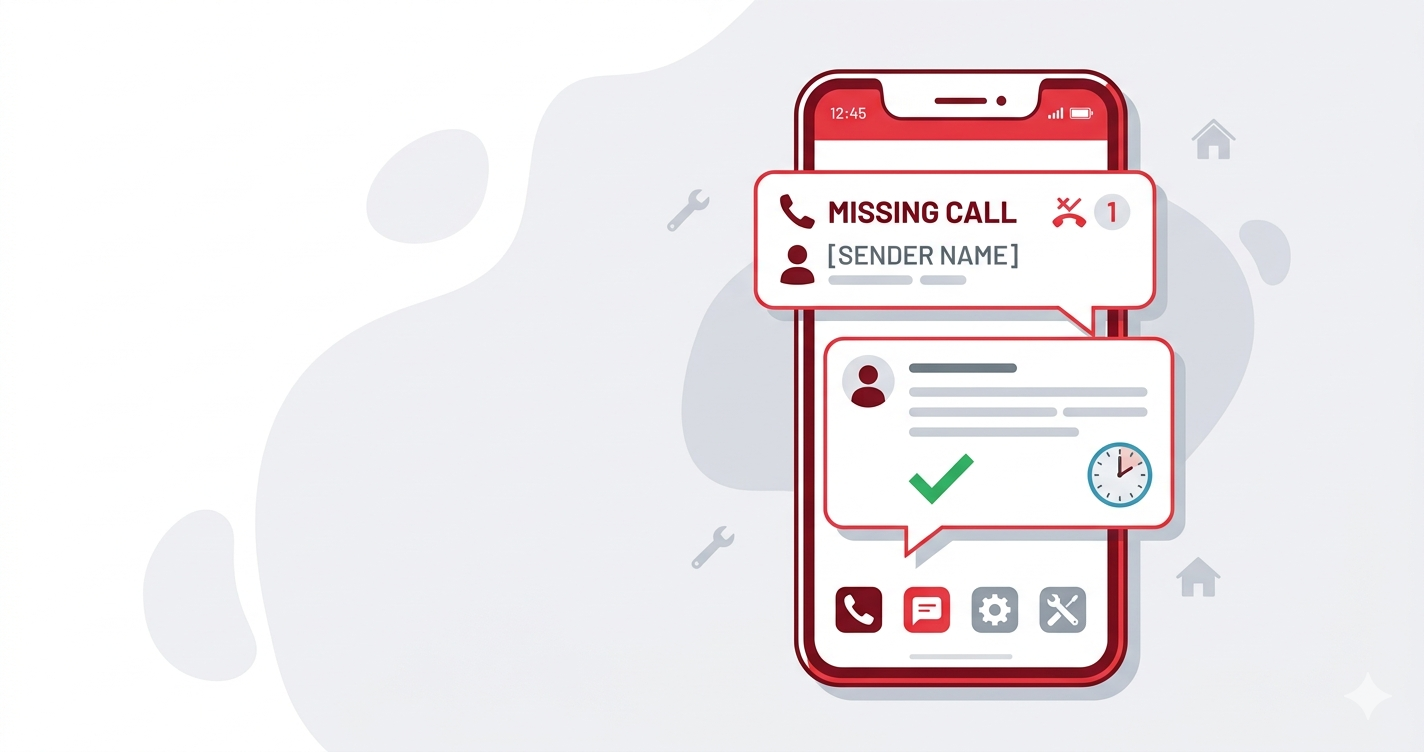
- Your phone system notices the missed call and triggers an automatic text, usually within a minute.
- The caller gets a short message with two options: reply, or book online.
- The missed call is logged as a lead so someone owns the callback.
- A reply opens a normal two-way text conversation with your team.
- If there’s no reply, one or two gentle follow-ups go out later that day and the next.
Nobody has to remember any of it. The caller who expected a dead end gets proof that someone noticed, inside a minute.
Copy-paste missed-call texts
Keep every message short enough to land as a single text, admit the miss, and give two easy ways forward. Save these as templates and adjust the wording to sound like you.
During business hours
“Hi, it’s [Business]. Sorry we missed your call, we’re with a customer. Reply here with what you need, or book a time: [link]. We’ll call you back within [30] minutes.”
Evenings and weekends
“Hi, thanks for calling [Business]. We’re closed for the evening but we’ve got your number. Reply with a few details and we’ll call you first thing tomorrow, or pick a time here: [link].”
Emergency trades (plumbing, HVAC, electrical, locksmith)
“Sorry we missed you. If this is urgent, reply URGENT and the on-call tech will ring you back. Otherwise reply with your address and the problem and we’ll get you booked.”
Only use this if someone really is on call. Promising an emergency callback you can’t deliver does more damage than the missed call.
Appointment businesses (salons, trainers, clinics)
“Hi! Sorry we couldn’t pick up, we’re with a client. You can see free slots and book straight away here: [link], or reply and we’ll get back to you after this session.”
Follow-up if there’s no reply
2 hours later: “Just checking you saw our message, happy to help with [service] whenever suits. Reply here or call [number].”
Next day: “Hi, we tried to catch you yesterday. Still need a hand? We have openings on [day]. Reply YES and we’ll call you.”
Stop there. Two follow-ups are helpful; five start to feel like marketing.
Three ways to set it up
1. Your phone provider’s auto-reply (cheapest)
Many business phone apps and VoIP services include an automatic text reply for missed calls. Check your provider’s settings before you buy anything. It is the fastest way to stop the bleeding, but the lead usually isn’t logged anywhere, so callbacks still depend on memory.
2. An all-in-one platform with text-back built in
Platforms such as GoHighLevel and Housecall Pro have missed-call text-back as a built-in switch, with a shared text inbox. They’re the least setup if the phone is your main source of leads. The trade-offs are price and scope: GoHighLevel is a marketing platform with a steep setup, and Housecall Pro is job-management software first. Read our GoHighLevel review and Jobber vs Housecall Pro vs GoHighLevel before choosing.
3. Your CRM plus your phone system
If you already track leads in a CRM, connect your phone system to it so every missed call creates a lead and starts the follow-up.
- Zoho CRM connects to telephony services such as RingCentral and Twilio, and its workflow rules can route the lead, assign a callback task and trigger follow-up based on the time of day or caller history. It takes more setup, and pays off for teams of three or more sharing the phones.
- Pipedrive doesn’t send the text itself, but it’s a strong home for the leads you recover. Pass missed calls in through an integration or Zapier and any lead nobody has contacted stands out on the board.
- Zapier route (works with most tools): trigger on “missed call” in your VoIP app, send the SMS through your texting service, then create the lead in your CRM tagged with the caller’s number, time and source.
Recovered the call? Don’t lose the lead next.
Pipedrive puts every recovered caller on a visual pipeline and flags anyone who hasn’t been called back. From $14 per user per month, with a free trial.
What to check before you choose
- Speed: the text should go within a minute, not “within the hour”.
- Two-way texting: replies must land somewhere your team actually looks.
- Lead logging: each missed call should become a tracked lead with an owner.
- Different wording by time of day: a 9pm miss needs a different message from a lunchtime one.
- Source tagging: tag missed-call leads so you can see how many you recover each month.
Measure the recovery rate
Once it’s running, track three numbers each month: missed calls, missed calls that replied or booked, and jobs won from them. If replies are low, rewrite the first text. If replies are high but bookings are low, the callback is too slow. That tells you where to fix next, and whether it’s time to add proper after-hours lead handling.
Frequently asked questions
Does this work for after-hours calls too?
Yes, and that’s often where it matters most. Use the evening wording above and offer a first-thing callback or a booking link. Competitors without it won’t respond until the next working day.
Which phone systems can do this?
Most business VoIP services can, either with a built-in auto-reply or through webhooks and Zapier. If your phone system can send an event when a call is missed, it can be connected to a texting service and a CRM.
Will an automatic text annoy people?
Rarely. Someone who just called you is expecting a response, and a short, useful text reads as attentive. Keep it helpful rather than promotional and stop after two follow-ups.
Do I need consent to text people who called me?
Rules vary by country. Replying to someone who contacted you is generally treated differently from marketing texts, but check your local rules and keep missed-call replies strictly about their enquiry.
Compare our top CRM picks
Zoho CRM
Free edition for 3 users. Telephony integrations and workflow rules. Workflows on paid editions.
Related guides
- Answering enquiries that arrive after hours
- Why slow lead follow-up costs more than you think
- CRMs with automated text messaging
- Handling Google Local Services Ads leads
- How to follow up on unsold estimates
Affiliate Disclosure: This article contains affiliate links. If you sign up through them we may earn a commission at no extra cost to you. It never decides which tool we recommend. See how we test and recommend tools.