HubSpot Review for Service Businesses: Honest Verdict on the Free Plan
HubSpot is one of the most recognisable names in CRM, and its free plan is genuinely one of the most generous in the industry. But “generous free plan” and “right for your business” aren’t the same thing, and this hubspot review for service businesses is about figuring out which one applies to you — specifically if you’re running a trades, coaching, cleaning, or other local service operation rather than a SaaS company or marketing agency.
The short version of this hubspot review for service businesses: the free plan is excellent for organising contacts and tracking deals. The moment you need automation — which is the feature that actually saves time for service businesses — the price jumps to a level most small operators can’t justify.
What You Actually Get on the Free Plan
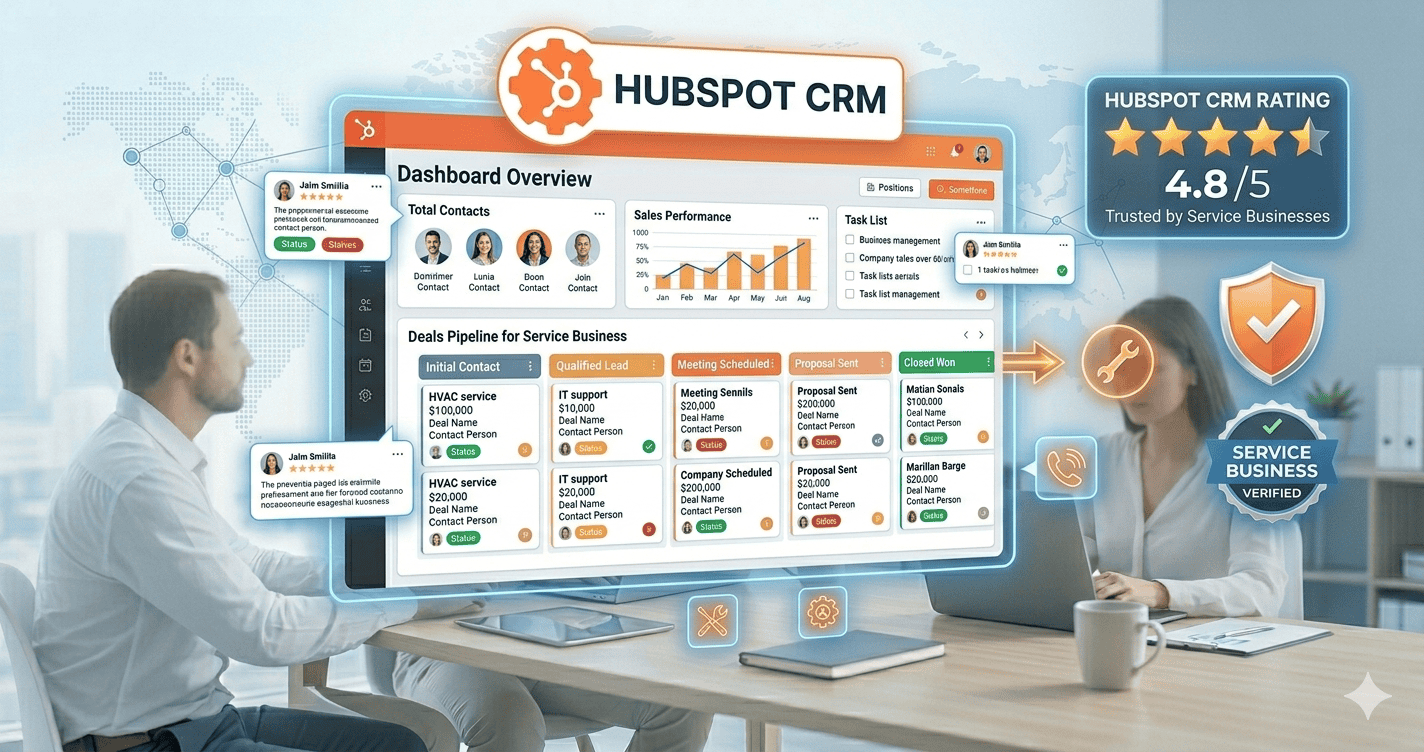
HubSpot’s free tier includes unlimited contacts, unlimited users, deal tracking with a visual pipeline, email logging, a meeting scheduler, basic reporting, and live chat. For a service business that just needs a central place to store client information and track where each job or proposal stands, this is genuinely useful and costs nothing. This hubspot review for service businesses starts here because it’s the plan most people will actually use.
The free plan also includes HubSpot’s mobile app, which matters for service businesses where the owner or team spends most of the day on job sites rather than at a desk. Contact records, deal updates, and call logging all work from a phone, which is a genuine advantage over CRMs that are desktop-first.
Where HubSpot Gets Expensive Fast
The wall most service businesses hit is automation. Follow-up sequences, lead scoring, custom workflows — the features that actually save time by removing manual follow-up — don’t appear until the paid tiers. And HubSpot’s paid pricing isn’t gradual:
| Plan | Price | What It Adds |
|---|---|---|
| Free | $0 | CRM, pipeline, email logging, scheduler |
| Starter | $20/month | Removes branding, basic email automation |
| Professional | $890/month | Full automation, sequences, smart content |
| Enterprise | $3,600/month | Custom objects, advanced reporting |
The jump from Starter ($20/month) to Professional ($890/month) is the problem. There’s almost nothing in between that includes real workflow automation. This hubspot review for service businesses keeps coming back to this gap because it’s the single biggest factor in the decision for most readers.
What HubSpot Does Well for Service Businesses
Contact and deal organisation. If you’re currently tracking clients in a spreadsheet or a notebook, HubSpot’s free plan is a genuine upgrade. For this hubspot review for service businesses, this is the strongest argument in HubSpot’s favour.
Meeting scheduling. The built-in scheduler lets clients book directly into your calendar at no cost.
Integration ecosystem. HubSpot’s marketplace connects with over a thousand third-party apps — Google Calendar, QuickBooks, Slack, Mailchimp, and most tools service businesses already use.
Content marketing tools. If you’re blogging or running landing pages alongside your CRM, HubSpot handles that natively.
Where HubSpot Falls Short for Service Businesses
Automation is locked behind a steep paywall. Automated follow-up sequences require the $890/month Professional plan. This hubspot review for service businesses can’t overlook this — it’s the primary reason most small operators eventually look elsewhere.
No deal rotting alerts. HubSpot doesn’t flag deals that have gone quiet for too long — a feature Pipedrive includes from its entry tier.
No native SMS. HubSpot doesn’t handle SMS natively at any tier.
The free plan has HubSpot branding. HubSpot’s own pricing page confirms that removing branding requires the Starter plan at minimum.
Who HubSpot Actually Works Best For
Based on this hubspot review for service businesses, HubSpot’s free plan is a strong fit if you’re just starting out, don’t need automation yet, are doing content marketing, or want the largest integration ecosystem. It’s a weaker fit if automated follow-up is the whole reason you’re looking at a CRM — which for most service businesses, it is.
What We’d Recommend Instead
If you’re reading this hubspot review for service businesses and thinking “I need automation but can’t pay $890/month,” here are the alternatives:
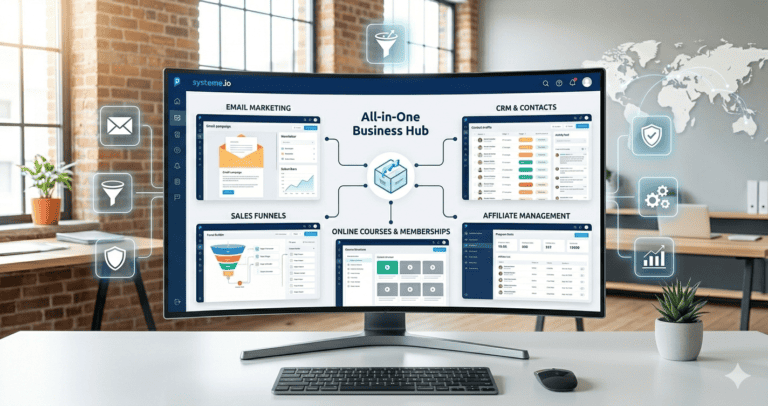
Systeme.io is free for up to 2,000 contacts with real email automation, pipeline management, and landing pages included. See our HubSpot alternatives guide for a full comparison.
💡 HubSpot-level automation at zero cost
Pipeline, email automation, landing pages, and course hosting — free for up to 2,000 contacts. No credit card required.
Zoho CRM is free for up to three users with workflow automation included — the feature HubSpot charges $890/month for.
✓ Team automation without HubSpot’s price tag
Free for up to 3 users with workflow automation, lead scoring, and the full Zoho ecosystem.
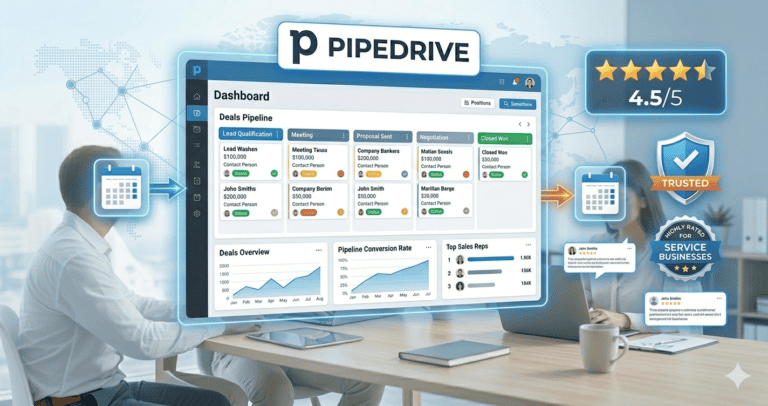
Pipedrive starts at $14/user/month with the best visual pipeline at this price point plus deal rotting alerts. See our HubSpot vs Pipedrive comparison.
🔧 Better pipeline visibility than HubSpot
Deal rotting alerts, drag-and-drop stages, and affordable per-user pricing. From $14/user/month.
This HubSpot Review for Service Businesses: The Bottom Line
HubSpot’s free CRM is genuinely good for organising contacts and tracking deals. But the $890/month jump to Professional makes this hubspot review for service businesses point most small operators toward Systeme.io, Zoho CRM, or Pipedrive instead.
HubSpot Review for Service Businesses: Is It Worth Learning?
One thing this hubspot review for service businesses is often asked: is HubSpot worth learning given the pricing cliff? The free plan is intuitive enough that most people are managing contacts and pipeline within an hour. If you later outgrow it and move to Zoho or Pipedrive, the CRM concepts transfer directly.
That said, this hubspot review for service businesses wouldn’t be complete without noting that a business owner who moves from HubSpot to Systeme.io will need to re-learn some of the interface. That transition is manageable — an afternoon of re-setup — but worth factoring in when making the initial decision.
HubSpot’s Strengths vs. What Service Businesses Actually Need
HubSpot was originally designed for inbound marketing and B2B SaaS sales. Most service businesses don’t need its advanced strengths — content management, multi-channel attribution, complex lead scoring.
What a local service business needs is simpler: track leads, automate follow-up on estimates, send rebooking reminders, and ask for reviews at the right moment. This hubspot review for service businesses finds that HubSpot’s free plan covers the first need, but the rest requires paid tiers at a price point that only makes sense once revenue justifies it.
For most small service businesses, start with HubSpot free, learn the basics, then move to Systeme.io or Zoho once automation becomes a clear need.
Frequently Asked Questions
Is HubSpot’s free plan really free forever?
Yes — no time limit, unlimited contacts and users. Limitations are functional (no automation, HubSpot branding) rather than time-based. This hubspot review for service businesses considers that a genuine strength.
Can I start with HubSpot free and switch to something else later?
Yes. HubSpot lets you export contacts as CSV, making migration to Systeme.io, Zoho, or Pipedrive straightforward whenever you’re ready.
Is there a cheaper way to get HubSpot automation?
The Starter plan at $20/month adds basic email sequences, but meaningful workflow automation requires Professional at $890/month. There’s no middle tier that bridges this gap — the core finding of this hubspot review for service businesses.
Compare Your Options
Affiliate Disclosure: This article contains affiliate links. If you click through and make a purchase, we may earn a commission at no additional cost to you. We only recommend products we believe add real value to our readers.