Pipedrive Review for Service Businesses: Honest Verdict on the Visual Pipeline
Pipedrive was built by salespeople who were frustrated with CRMs that felt more like database maintenance than actual selling. The result is a product that does one thing — visual pipeline management — better than almost anything else at its price point, without trying to be a marketing platform on the side. This pipedrive review for service businesses will tell you plainly when that focus is a major advantage and when it’s a limitation.
The short version of this pipedrive review for service businesses: if your biggest gap is tracking quotes, managing follow-ups, and seeing your whole pipeline at a glance, Pipedrive earns its cost easily. If you need email marketing, SMS, or a free plan, you’ll need to look elsewhere or add tools alongside it.
What Pipedrive Actually Does
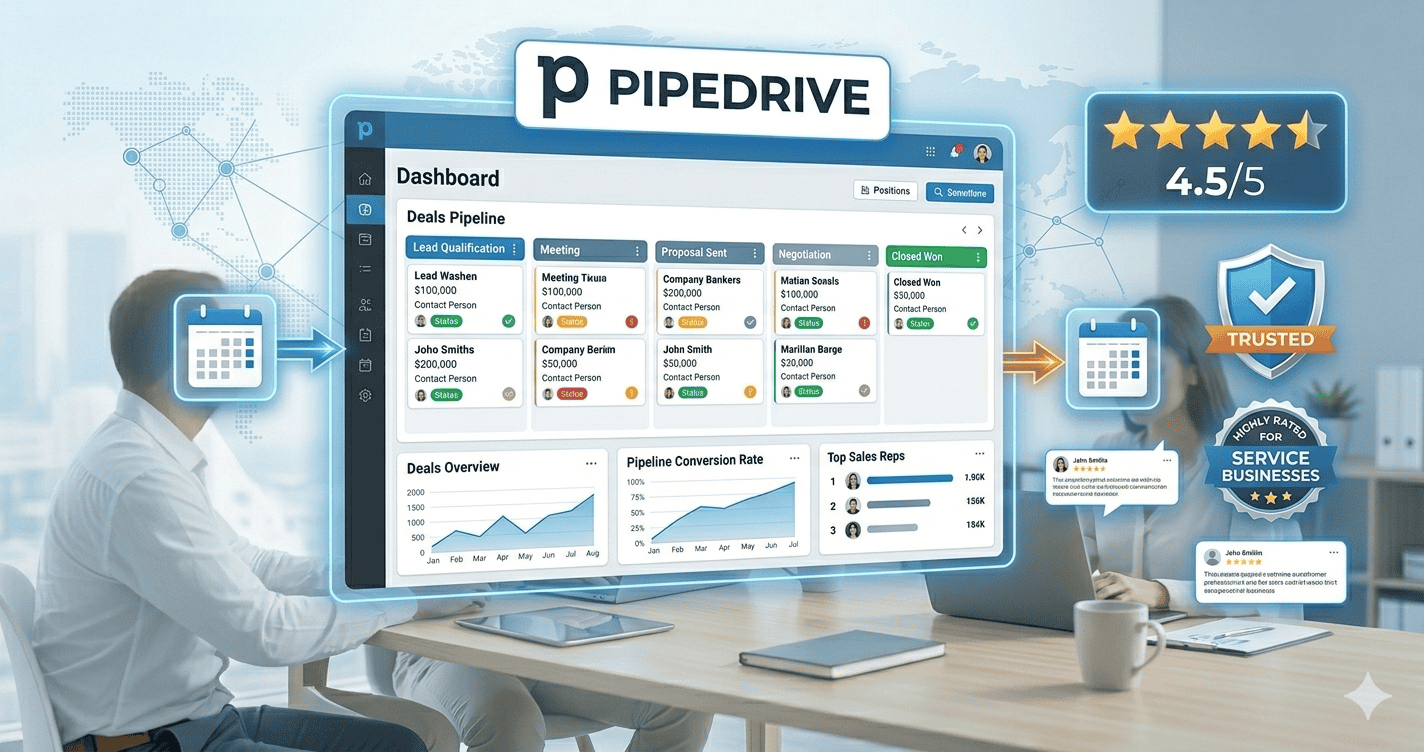
The core of Pipedrive is a drag-and-drop kanban pipeline. Every deal sits in a customisable stage — enquiry received, quote sent, follow-up needed, booked, complete — and you move them between columns as they progress. It’s the clearest visual representation of a sales pipeline we’ve tested at this price point, which is a genuine advantage for service businesses where several estimates are always in play at different stages simultaneously.
Pipedrive’s “deal rotting” feature automatically flags any deal that hasn’t moved or been contacted within a period you set. For this pipedrive review for service businesses, this is the feature that consistently gets mentioned by users — it catches stalling quotes before they become quietly lost jobs, which is exactly the failure mode that costs most service businesses real money.
Email integration with Gmail and Outlook logs every exchange automatically against the right contact record. No manual copying, no separate inbox to check — the conversation history is right there when you open a deal.
Pipedrive Review for Service Businesses: The Pricing Reality
| Plan | Price | Key Features |
|---|---|---|
| Essential | $14/user/month | Visual pipeline, deal rotting, email sync |
| Advanced | $34/user/month | Email automation, workflow automation |
| Professional | $49/user/month | Revenue forecasting, team reporting |
| Enterprise | $99/user/month | Unlimited users, advanced security |
For most service businesses reading this pipedrive review for service businesses, the Advanced plan at $34/user/month is the tier that actually delivers what you’d expect from a modern CRM — workflow automation, email sequences, and activity alerts. The Essential plan at $14 is a well-organised pipeline without the automation that makes it genuinely time-saving.
G2’s review aggregation consistently gives Pipedrive top marks for ease of use and pipeline management, with users specifically citing deal rotting and visual pipeline clarity as the features they couldn’t go back to losing.
Where Pipedrive Wins in This Review
The visual pipeline is genuinely the best at this price. This pipedrive review for service businesses keeps returning to this as the clearest differentiator.
Deal rotting alerts are unique. No other CRM at Pipedrive’s price point flags stalling deals this clearly. HubSpot doesn’t have it. Zoho requires manual rule-building. Pipedrive surfaces it automatically.
It’s fast to set up. Most users have a working pipeline configured within an hour.
Mobile app is genuinely usable on a job site. Adding a contact, logging a call, or moving a deal between stages all work cleanly from a phone.
Where Pipedrive Falls Short
No free plan. This is the single most common objection in any pipedrive review for service businesses. You get a 14-day free trial, then it’s $14/month per user minimum.
No email marketing. Pipedrive doesn’t do newsletter campaigns or full email marketing — businesses that need both a pipeline and a marketing list need a second tool.
No native SMS. SMS automation requires Zapier or a Twilio integration.
Automation requires Advanced plan. Workflow automation doesn’t arrive until Advanced at $34/month.
Pipedrive Review for Service Businesses: Who It’s Actually Right For
Pipedrive is the strongest fit for service businesses with an active, ongoing quoting process — contractors, consultants, event planners, IT businesses. This pipedrive review for service businesses gives it the clearest recommendation in exactly that scenario.
It’s less obviously right for businesses where the main need is recurring rebooking reminders, email newsletter marketing, or SMS automation.
How Pipedrive Compares to Our Other Affiliate Partners
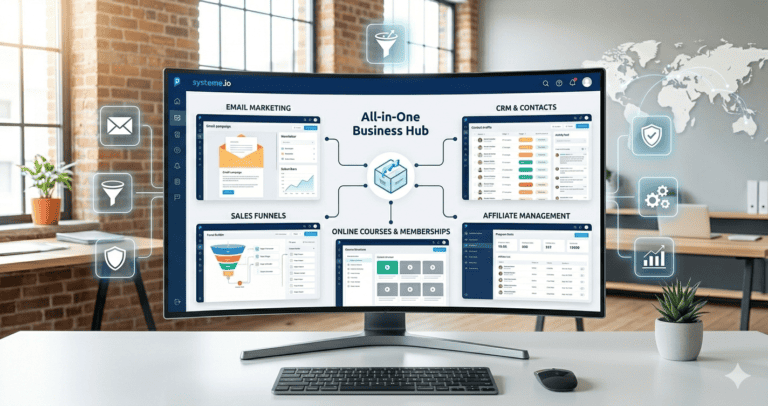
For businesses wanting to try before paying, Systeme.io is free for up to 2,000 contacts with automation included.
💡 Want automation without paying anything yet?
Systeme.io includes pipeline, email automation, and landing pages free for up to 2,000 contacts.
For growing teams wanting the best automation-to-price ratio, Zoho CRM is free for three users with workflow automation included.
✓ Better team value than Pipedrive at zero cost
Free for up to 3 users with workflow automation and the full Zoho ecosystem.
🔧 Best visual pipeline for service businesses with active quoting
Deal rotting alerts, drag-and-drop stages, email automation. 14-day free trial. From $14/user/month.
Pipedrive Review for Service Businesses: The Activity-Based Approach
One of the things this pipedrive review for service businesses wants to highlight is Pipedrive’s activity-based selling model. Rather than just tracking where a deal sits in your pipeline, it pushes you to always have a next scheduled action on every open deal.
This single habit, enforced by the software rather than depending on willpower, is what consistently separates businesses that follow up reliably from those that mean to but get busy. HubSpot’s own research on follow-up timing found that the majority of closed deals required five or more follow-up touches, while most salespeople give up after one or two. Pipedrive’s design is built around closing exactly that gap.
This approach is one of the underrated reasons Pipedrive works better in practice than on paper — the visual pipeline gets the attention, but the scheduled-next-action discipline is often what makes the difference in whether a quote converts.
Pipedrive Review for Service Businesses: Setup and Learning Curve
Setup is fast — most service businesses have a working pipeline within an hour. There’s no mandatory IT project, no complex configuration, no long implementation timeline.
The mobile app deserves a specific mention in any pipedrive review for service businesses. Adding a contact, logging a call outcome, or moving a deal between stages all work cleanly from a phone — which matters enormously for field service businesses where the owner or estimator is rarely at a desk.
Frequently Asked Questions
Does this pipedrive review for service businesses recommend it for tradespeople?
Yes, for tradespeople with regular quoting — contractors, electricians, builders — who need to see at a glance which estimates are overdue for follow-up.
Can I use Pipedrive without automations and still get value?
Yes — the visual pipeline and deal rotting alerts alone are genuinely useful on the Essential plan. Many users of this pipedrive review for service businesses run the Essential plan productively for months before upgrading.
How does it compare to HubSpot’s free plan?
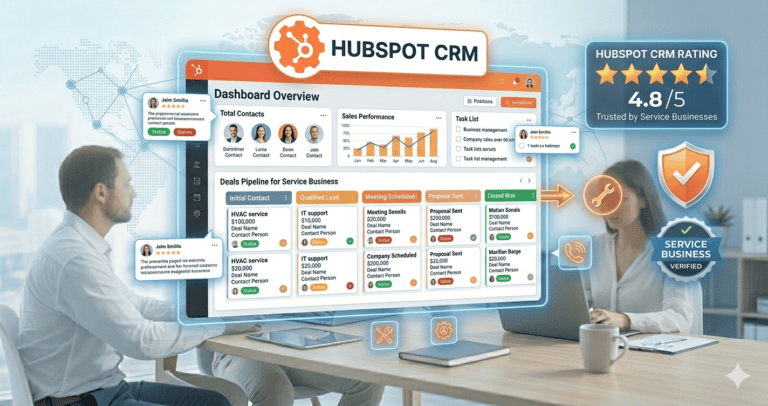
HubSpot free has no time limit and more contacts. Pipedrive has a better visual pipeline and deal rotting alerts but costs from day one. Our full HubSpot vs Pipedrive comparison covers this in detail.
Compare Your Options
Related reading: our HubSpot vs Pipedrive comparison and Jobber vs Pipedrive for field service businesses.
Affiliate Disclosure: This article contains affiliate links. If you click through and make a purchase, we may earn a commission at no additional cost to you. We only recommend products we believe add real value to our readers.