
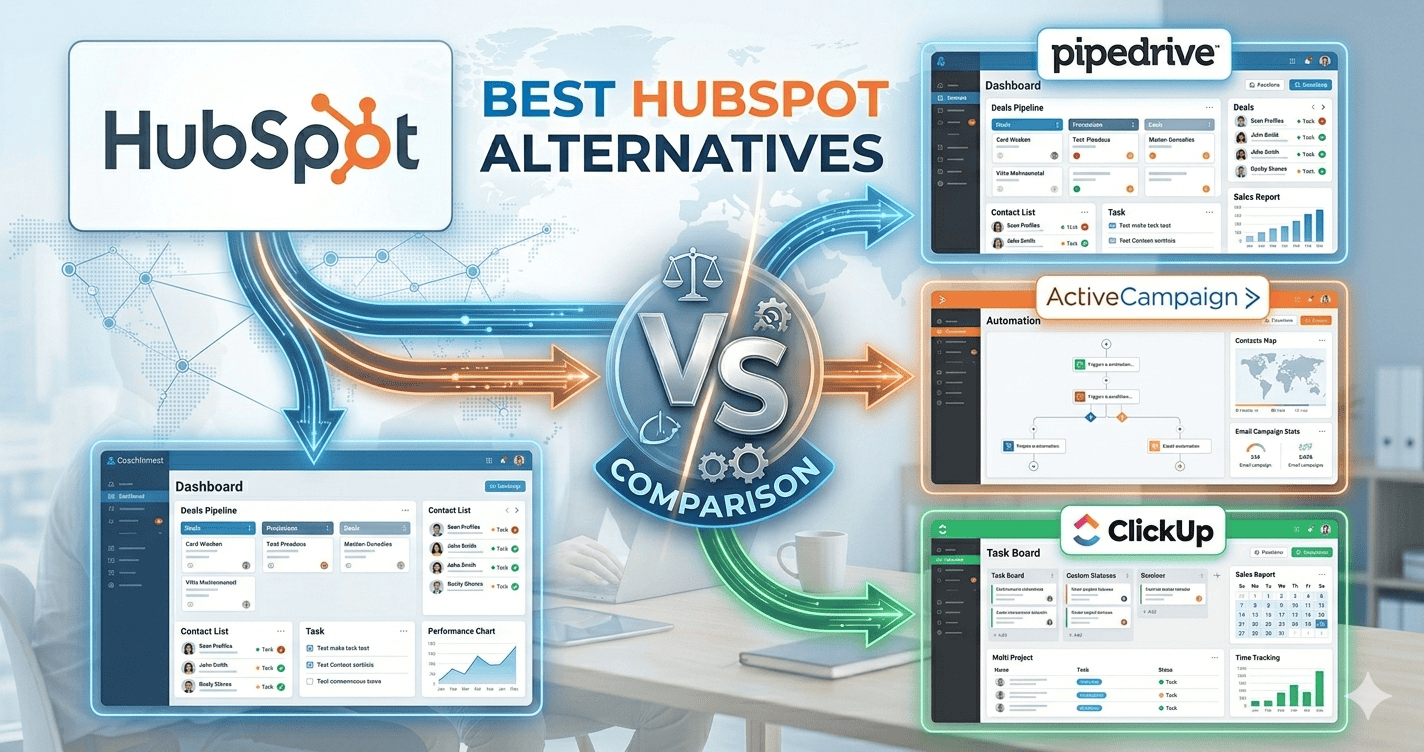
HubSpot Alternatives for Service Businesses: What to Use When HubSpot Gets Expensive
Most service businesses start with HubSpot for a good reason: the free CRM is genuinely useful. The trouble comes later. You want the follow-up to run on its own, or a second person needs proper access, or you want to text customers, and the features you need sit in a higher tier that costs far more than a small business expected to pay for a CRM.
This guide is for owners at that point. It explains when HubSpot is still the right choice, which alternative fits which kind of service business, and how to switch without losing contacts or history.
Editor’s choice if you win work through quotes: Pipedrive
A visual sales pipeline with activity reminders and automations on affordable plans. Free trial, then from about $14 per user per month.
Why service businesses look for HubSpot alternatives
- The price step. HubSpot’s free and Starter tiers are affordable, but much of the automation that small businesses want, such as multi-step workflows, sits in the Professional tiers, where the cost per seat rises sharply. Check HubSpot’s current pricing page for exact figures.
- Built for marketing and sales teams. HubSpot shines for companies with a marketing function. A plumber, cleaner or coach often uses a fraction of it.
- Service-business basics live elsewhere. Scheduling crews, texting customers and invoicing usually mean extra tools or integrations.
When you should stay on HubSpot
Stay if the free CRM does what you need, if you rely on HubSpot’s marketing tools (landing pages, email marketing, ads reporting), or if you have a sales team that already uses it well. Switching costs time; only switch for a clear gain.
The alternatives, by type of business
Pipedrive: for businesses that win work through quotes
Roofers, remodellers, solar installers, commercial cleaners and agencies that send proposals. Pipedrive is built around the sales pipeline: every deal on a board, a next activity on each one, and alerts when a deal goes quiet. Automations are available on its paid plans without a big jump in price. Not for: marketing emails at scale or job scheduling.
Zoho CRM: for growing teams that need more control
Teams of three or more with several lead sources, routing needs and reporting. Zoho CRM’s free edition covers up to 3 users, workflow rules and assignment rules are available on affordable paid editions, and the wider Zoho suite adds bookings, invoicing and books. Not for: an owner who wants something simple running today; setup takes longer.
Systeme.io: for coaches, consultants and solo operators
If you sell calls, programmes or courses, Systeme.io combines contacts, email sequences, funnels, payments and course hosting, free for up to 2,000 contacts. Not for: sales teams or field-service work.
Field-service software: for dispatch-heavy trades
If your real need is scheduling crews, job costing and invoicing, tools like Jobber or Housecall Pro may replace HubSpot more naturally than another CRM. We don’t have partnerships with them; see Jobber vs Housecall Pro vs GoHighLevel and Jobber vs Pipedrive.
Side by side
| Best for | Free option | Main limit | |
|---|---|---|---|
| HubSpot | Marketing-led businesses | Free CRM | Cost rises steeply for advanced automation |
| Pipedrive | Quote-led sales | Free trial | Limited marketing tools |
| Zoho CRM | Growing teams | Free for 3 users | Longer setup |
| Systeme.io | Coaches and solo operators | Free up to 2,000 contacts | No shared sales pipeline for teams |
Outgrown the free CRM with a small team?
Zoho CRM has a free edition for up to 3 users and grows into routing, workflows and reporting without HubSpot-level jumps in price.
How to switch without losing anything
- Export everything from HubSpot: contacts, companies, deals and notes, plus a list of your active sequences and their wording.
- Clean before you import. Remove duplicates and dead contacts; decide which properties you really use.
- Rebuild your pipeline stages first, then import deals into the right stage.
- Recreate your follow-ups one at a time, starting with the one that earns the most (usually quote follow-up or new-lead response).
- Run both for two weeks before cancelling, so nothing falls through the gap.
Most small businesses can switch in a weekend. Pipedrive and Zoho both offer import tools and help for moving from HubSpot.
Frequently asked questions
What’s the best free HubSpot alternative?
Zoho CRM’s free edition for small teams (up to 3 users) and Systeme.io’s free plan for solo coaches and consultants (up to 2,000 contacts).
Is Pipedrive cheaper than HubSpot?
For sales pipeline and automation features, usually yes. Compare the tiers that include the specific features you need, not just the entry prices.
Can I move my HubSpot data to another CRM?
Yes. HubSpot lets you export contacts, companies and deals, and most CRMs import them directly. Sequences and workflows need rebuilding by hand.
Should a small service business use HubSpot at all?
The free CRM is a fine starting point. The question is what happens when you need automation: that’s where alternatives often fit a service business better.
Compare our top picks
Zoho CRM
Free edition for 3 users. Workflows, routing and the Zoho suite. Workflows on paid editions.
Related guides
- HubSpot vs Pipedrive for service businesses
- Zoho CRM vs HubSpot
- GoHighLevel vs HubSpot
- HubSpot review for service businesses
- Best free CRM for service businesses
Affiliate Disclosure: This article contains affiliate links. If you sign up through them we may earn a commission at no extra cost to you. It never decides which tool we recommend. See how we test and recommend tools.