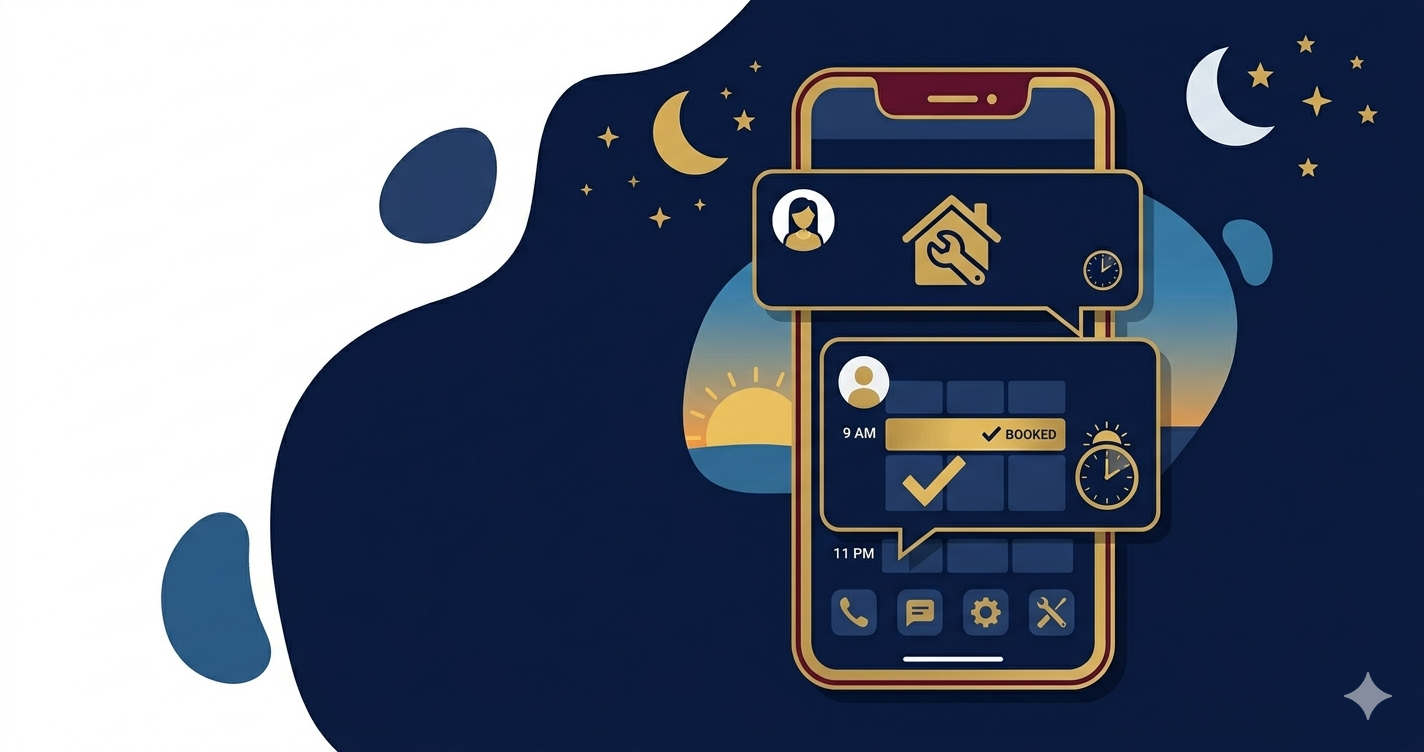
after hours lead response CRM

After Hours Lead Response CRM: How to Stop Losing Leads When Your Office Is Closed (2026)

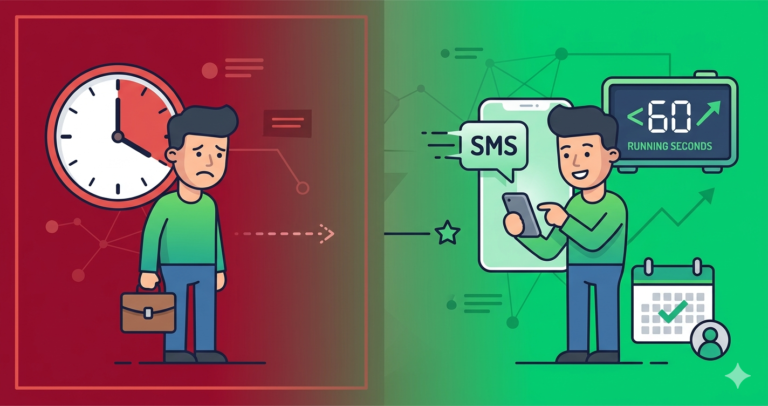
Your best leads often arrive after 5pm. A homeowner gets home, notices the water stain on the ceiling, and searches for a roofer. A business owner finally has a quiet moment and calls about the HVAC system that’s been struggling all week. They’re ready to book — but your office is closed, your phone goes to voicemail, and by morning they’ve already spoken to someone else.

This is the after-hours lead problem. And it’s costing service businesses thousands every week. The right after hours lead response CRM solves it by responding automatically the moment a lead arrives — regardless of the time — so you’re never losing business simply because the clock said 6pm.

This guide covers exactly how to build an after hours lead response CRM system that captures, responds to, and nurtures after-hours leads until your team picks them up the next morning.

🚀 Never lose another after-hours lead

Systeme.io gives you automated after-hours response sequences — instant SMS, email follow-up, and booking links that work 24/7 even when your team is offline.

Try Systeme.io Free →

How Much Revenue Are You Losing After Hours?

Research on consumer search behaviour shows that 40% of local service searches happen outside standard business hours — evenings, weekends, and early mornings. For service businesses in emergency-adjacent trades (plumbing, HVAC, electrical, locksmithing), that number is even higher.

Without an after hours lead response CRM, the typical outcome for these leads is: voicemail not left, no callback expected, competitor found by morning. The lead doesn’t wait. They don’t necessarily prefer your competitor — they just prefer whoever responds first.

Even a modest improvement matters enormously. A service business receiving 5 after-hours enquiries per week, converting 2 additional ones per week with automated response, at $300 average job value — that’s $2,400 in monthly recovered revenue. From automation that costs nothing extra to run once it’s set up.

What an After Hours Lead Response CRM Does

An after hours lead response CRM isn’t a separate tool — it’s a configuration of your existing CRM that handles leads differently based on the time they arrive. Here’s what a properly configured system does:

  • Detects lead arrival time and applies the correct after-hours workflow
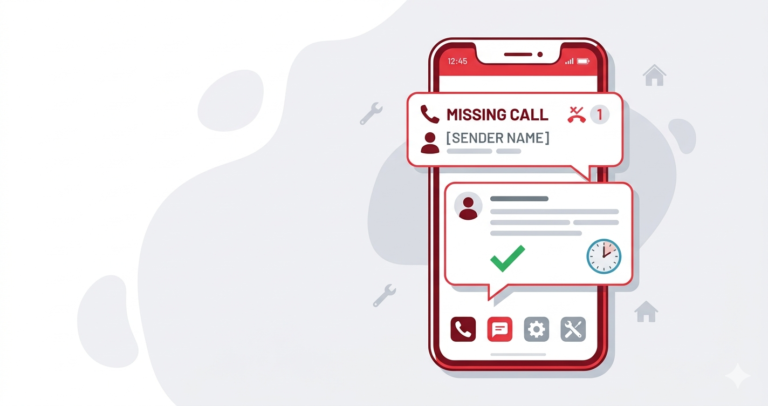
  • Fires an instant SMS acknowledging the enquiry and setting expectations for a morning callback
  • Sends a follow-up email with your service overview, credentials, and a self-serve booking link
  • Creates a lead record in your pipeline tagged as “After Hours” so your team sees it first thing in the morning
  • Sends a morning alert to your team at opening time with all overnight leads queued for callback
  • Follows up again if no contact is made by mid-morning — a second SMS to the lead to maintain momentum

The entire after hours lead response CRM workflow runs on autopilot. Your team wakes up to a structured queue of warm leads rather than a voicemail inbox they have to sort through manually.

The After-Hours Response Message That Converts

The tone of your after-hours response matters as much as the speed. A lead who enquires at 10pm knows it’s late — they don’t expect an immediate callback. What they want is reassurance that someone received their message and will follow up promptly.

The most effective after hours lead response CRM message follows this structure:

“Hi [Name], thanks for getting in touch with [Business]! We’ve received your message and one of our team will call you first thing tomorrow morning. If you’d like to book a specific time: [booking link]. We look forward to helping you. — [Team Name]”

This message does four things well. It confirms receipt immediately. It sets a specific follow-up expectation. It offers a self-serve option for leads who want to act now. And it ends warmly without overpromising on the response time.

Best Platforms for After Hours Lead Response CRM in 2026

Platform After-Hours Automation AI Response Starting Price
GoHighLevel ✓ Native, time-based ✓ Built-in AI $97/month
Zoho CRM ✓ Workflow automation Via Zia AI $14/user/month
Housecall Pro ✓ Auto-response ❌ No $49/month
Systeme.io Via time-based sequences ❌ No Free / $27/month

1. GoHighLevel — Best After Hours Lead Response CRM

GoHighLevel is the most powerful after hours lead response CRM for service businesses. Its time-based workflow conditions let you build entirely separate automation sequences for after-hours leads vs. business-hours leads — different messages, different response timings, and different pipeline stages.

The AI conversation feature is particularly transformative for after-hours lead handling. GoHighLevel’s AI bot can respond to incoming messages, answer common questions about your services, qualify the lead, and even book appointments — all at 11pm without any human involvement. For businesses that receive urgent after-hours enquiries (emergency plumbers, locksmiths, HVAC), this capability converts leads that would otherwise be impossible to recover.

The morning alert workflow ensures your team starts every day with a prioritised queue of overnight leads, callback times, and any context captured by the AI conversation. Nothing falls through the cracks.

2. Zoho CRM — Best for Multi-Channel After-Hours Response

Zoho CRM handles after hours lead response CRM through its workflow automation combined with time-condition triggers. When a lead arrives outside business hours, a different email and SMS sequence fires than the standard daytime response. Leads are tagged, a morning task is created for the assigned rep, and a follow-up reminder fires at 9am if no contact has been made.

Zoho’s strength for after-hours handling is its multi-channel capability — if a lead comes in via web form, Facebook Lead Ad, or phone, the same after-hours logic applies regardless of source. For businesses managing leads from multiple channels, this consistency prevents leads from being handled differently based on how they arrived.

💡 Systeme.io: Simple after-hours automation that works

Build time-based email sequences that respond to after-hours enquiries automatically — booking links, service information, and morning follow-up reminders included.

Start Free with Systeme.io →

Building Your After-Hours Lead Response Workflow

Here’s the complete framework for an after hours lead response CRM workflow that covers every scenario:

Trigger: Lead arrives outside business hours (e.g. 6pm–8am, weekends)

  1. Immediate SMS (0–2 min): Acknowledges receipt, sets morning callback expectation, includes self-serve booking link
  2. Immediate email (2 min): Welcomes the lead, provides service overview, includes testimonials, reiterates morning callback with booking link
  3. Pipeline entry: Lead created in “After Hours” stage, tagged with source and time received
  4. Morning team alert (8am): SMS or push notification to assigned rep with all overnight leads listed
  5. Mid-morning follow-up (10am if no contact): Automated SMS to lead: “Good morning [Name]! We’re trying to reach you today — is now a good time for a quick call? [phone] or reply here.”
  6. Afternoon check-in (2pm if still no contact): Final SMS with booking link before lead moves to nurture sequence

This after hours lead response CRM sequence ensures every after-hours lead receives 4–5 touchpoints before being marked as unresponsive — turning what would typically be a lost lead into a fully worked opportunity.

Emergency vs. Non-Emergency After-Hours Leads

Not all after-hours leads are equal. A homeowner whose boiler has stopped working in January is in a different mindset than someone browsing for spring garden redesigns. Your after hours lead response CRM should handle these differently.

For emergency-adjacent services (plumbing, heating, electrical, locksmithing): your after-hours response should offer a direct emergency contact option alongside the standard booking link. An emergency that receives a booking-link-only response will immediately call a competitor who offers 24-hour service.

For non-urgent services (landscaping, cleaning, painting, roofing): the standard morning callback message is appropriate. No need to create false urgency or staff out-of-hours response teams. The self-serve booking link handles leads who want to act immediately.

AI-Powered After-Hours Response: The 2026 Advantage

The most significant development in after hours lead response CRM capability in recent years is AI conversation automation. Platforms like GoHighLevel now offer AI agents that can handle an entire lead conversation after hours — answering questions, providing quotes for straightforward jobs, qualifying the lead’s needs, and booking a confirmed appointment.

For service businesses where after-hours leads represent a significant revenue opportunity, AI-powered response converts at rates close to human response — without the cost of staffing an out-of-hours team. The AI handles the conversation; your team arrives in the morning to confirmed bookings rather than a list of leads to call.

✓ Zoho CRM: Multi-channel after-hours automation for growing teams

Zoho CRM applies consistent after-hours logic across all your lead sources — web forms, Facebook, phone — with morning team alerts and full pipeline visibility.

Try Zoho CRM Free →

ROI: What After-Hours Lead Response Is Worth

The revenue case for implementing an after hours lead response CRM is straightforward:

  • After-hours enquiries per week: 10
  • Without automation: 2 converted (caller remembered to follow up, or left voicemail) = 20% recovery
  • With automated response: 5–6 converted = 50–60% recovery
  • Additional weekly bookings: 3–4 jobs
  • At $250 average job value: $3,000–4,000 additional monthly revenue

This is revenue from leads that were already contacting you — no additional marketing spend required. An after hours lead response CRM is pure conversion rate improvement on existing demand.

Pipedrive: Morning Queue Management for After-Hours Leads

For teams that want structured pipeline visibility over their overnight lead queue, Pipedrive works well as the tracking layer in an after-hours response setup. Use Zapier to create Pipedrive deals automatically from after-hours enquiries, tag them in a dedicated “After Hours” pipeline stage, and use Pipedrive’s activity reminders to ensure every overnight lead gets a callback before midday. The visual deal board gives managers a clear view of how quickly after-hours leads are being worked each morning. At $14/user/month, it’s an affordable way to add accountability to your overnight lead process.

🔧 Pipedrive: The visual CRM built for closing deals

Pipedrive’s drag-and-drop pipeline gives you instant visibility over every lead, quote, and follow-up — so nothing slips through the cracks. From $14/user/month.

Try Pipedrive Free →

Compare Our Top CRM Picks for Service Businesses

Systeme.io

Free plan. Email automation, pipelines, funnels.

Try Free →

Zoho CRM

Free for 3 users. Scalable automation & scoring.

Try Free →

Pipedrive

From $14/user. Visual pipeline for sales teams.

Try Free →

Frequently Asked Questions

Does after-hours automation feel impersonal to leads?

Not when it’s written well. The most effective after hours lead response CRM messages are warm, direct, and conversational — indistinguishable from a message a human team member might send. Leads appreciate the immediate acknowledgement far more than silence. A well-written automated response consistently outperforms no response in customer perception surveys.

What time counts as “after hours” in a CRM workflow?

You define this in your after hours lead response CRM settings. Most service businesses set after-hours as anything outside 8am–6pm Monday to Friday, plus weekends. GoHighLevel and Zoho both support custom business hours so your automation applies the correct sequence based on your actual operating hours.

Should I offer 24-hour emergency response or just automate?

For non-emergency services, automation is sufficient — a well-configured after hours lead response CRM recovers the majority of after-hours leads with zero staffing cost. For genuinely emergency-adjacent trades (heating breakdown in winter, burst pipes, lockouts), offering a paid on-call option alongside the automated response maximises both coverage and revenue.

How does after-hours automation connect to missed call text-back?

They work together. Missed call text-back fires instantly when a call goes unanswered — the after hours lead response CRM then handles the lead differently based on the time. The missed call text message acknowledges the call; the after-hours sequence manages the follow-up through to the next morning. See our guide on CRM missed call automation for the full setup.

Conclusion: Your After-Hours Leads Are Worth Recovering

The leads arriving after 5pm are often your most motivated buyers. They’ve found a problem, they’re ready to act, and they’ve chosen to contact you. An after hours lead response CRM makes sure that effort isn’t wasted by silence.

GoHighLevel is the top platform for after-hours automation — time-based workflows, AI conversation, and morning team alerts in one system. Zoho CRM is the strongest choice for multi-channel consistency across all lead sources. Systeme.io gives budget-conscious businesses a solid after-hours email and SMS framework at minimal cost.

For broader CRM automation strategy, see our guides on CRM missed call automation and CRM integrations for service businesses.


Related Articles

Similar Posts