Electrician Reputation Management: Get More Google Reviews on Autopilot
Two electricians in the same town do equally good work. One has 14 Google reviews, the other has 160. When a homeowner searches “electrician near me”, the second one gets the call almost every time. The difference isn’t quality. It’s that the second electrician asks every customer, the day after every job, with a link that takes ten seconds to use.
Electrician reputation management is mostly about that one habit, plus replying well when reviews come in. This guide covers why reviews matter so much for electrical contractors, the request messages to automate, how to reply to good and bad reviews, the rules to stay within, and which software can run it for you.
Editor’s choice for solo electricians: Systeme.io
Send the review request and a reminder automatically after every job, free for up to 2,000 contacts. The simplest way to start electrician reputation management without new software costs.
Why reviews matter more for electricians than for most trades
- Trust is the purchase. Homeowners are letting someone work on wiring they can’t see. Reviews are how they judge safety and reliability before they call.
- Local search decides who gets the call. Review count, rating and recent activity are among the signals people see first in local results and on your Google Business Profile.
- Recent reviews matter. A steady flow of new reviews looks like an active, trusted business; a profile whose last review is two years old doesn’t.
There’s also a safety angle. Electrical work is one of the few home services where a bad hire can be dangerous, so homeowners read reviews looking for words like “tidy”, “certified”, “explained everything” and “on time”. Good electrician reputation management makes sure those words appear in recent reviews, because you asked the customers most likely to use them.
The review request routine
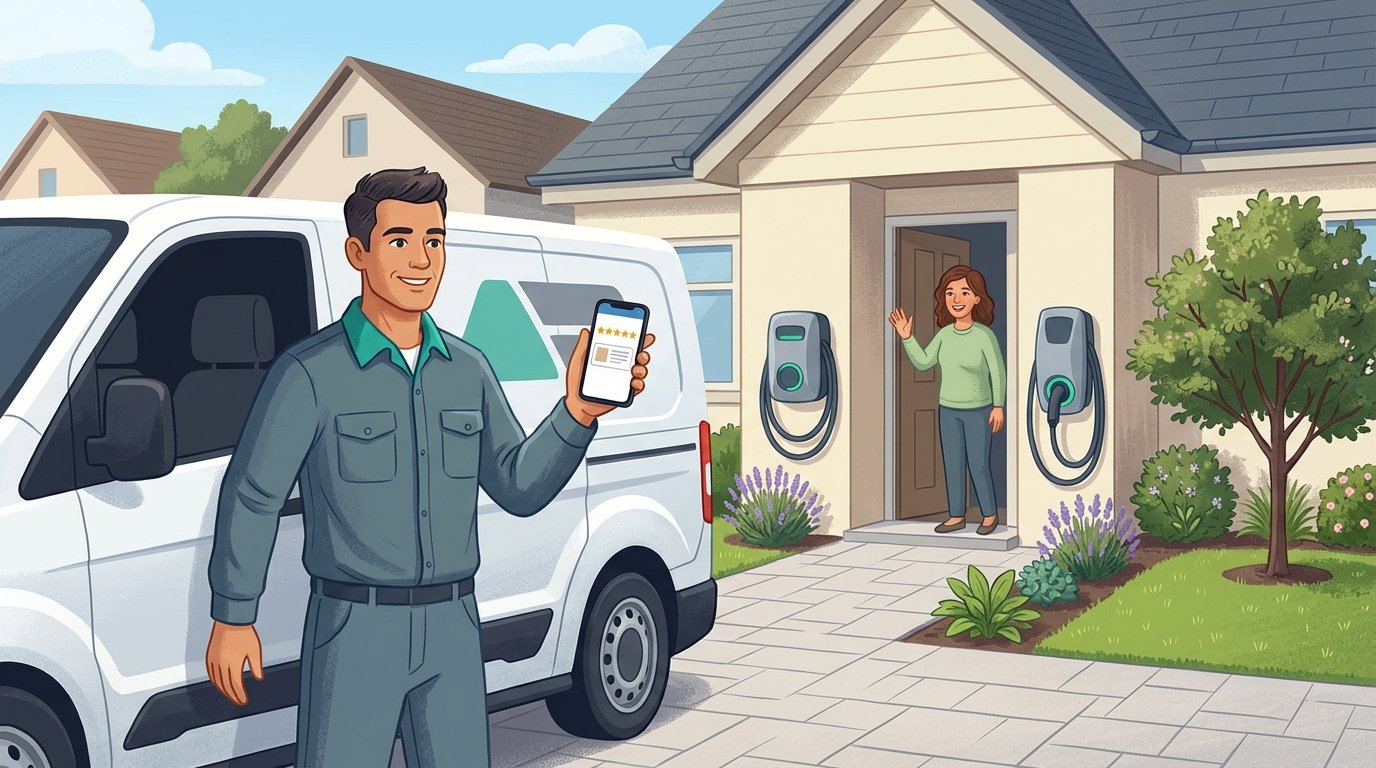
- At the end of the job: ask in person. “If you’re happy with everything, would you mind if I texted you a link to leave a quick review?”
- The next day: send the text or email with your direct Google review link.
- Four days later, only if no review: one gentle reminder. Then stop.
- Every week: reply to every new review.
Get your direct review link from your Google Business Profile so the review box opens straight away; every extra step loses people. Google’s own tips on getting more reviews cover the basics.
Messages to copy
Text, the day after the job: “Hi [Name], thanks for having us out yesterday for the [job]. If you’re happy with the work, a quick Google review would really help a local business: [link]. If anything isn’t right, just reply and we’ll sort it.”
Email version: “Hi [Name], thank you for choosing [Company] for your [EV charger installation / rewire / panel upgrade]. Reviews make a real difference to whether other homeowners find us. If you have a minute, you can leave one here: [link]. And if anything wasn’t perfect, reply to this email first so we can put it right.”
Reminder (four days later): “Hi [Name], just a gentle nudge in case the link got buried: [link]. No worries if you’re busy, and thanks again.”
Replying to reviews
Positive review: “Thanks, [Name]! Glad the new [EV charger] is working well. Give us a call any time you need us.” Mentioning the job naturally describes the services you offer.
Negative review: acknowledge the problem, apologise where appropriate, and take it offline. “We’re sorry to hear this, [Name]. That’s not the standard we aim for. I’d like to put it right; please call me directly on [number].” Then actually follow up. A calm, helpful reply often matters more to future customers than the original complaint.
Stay within the rules
- No incentives. Don’t offer discounts or gifts in exchange for reviews.
- No review gating. Ask every customer, not only the ones you expect to be happy. Inviting anyone with a problem to reply first is fine; filtering who gets the link is not.
- No fake reviews. Never write reviews yourself or ask staff, family or friends to.
Check Google’s prohibited and restricted content policy for the details; breaking it can get reviews removed, which undoes all your electrician reputation management work.
What it’s worth
Here’s why electrician reputation management is worth the effort. If you complete 40 jobs a month and ask every customer, even a modest response rate adds several new reviews every month. Within a year, that can take a profile from a handful of reviews to well over a hundred, which changes how many calls you get from local search.
Electrician reputation management software: which fits
- Your CRM: the simplest route. Trigger the review request when a job or deal is marked complete. Zoho CRM does this with workflow rules on paid editions; see our guide to electrician customer management software.
- Systeme.io: solo electricians who want the review email and a follow-up reminder sent automatically, free for up to 2,000 contacts. Not for: texting.
- Pipedrive: when a deal is won, an automation can create the review-request task so nobody forgets. Not for: sending the messages itself without an integration.
- Dedicated review platforms such as NiceJob, Podium or Birdeye specialise in review requests, monitoring and replies across sites. Worth comparing if reviews are a priority across several locations. We don’t have partnerships with them.
- Field-service apps such as Jobber or Housecall Pro often include review requests after a job is invoiced.
Running a team of electricians?
Zoho CRM can trigger the review request when a job is marked complete, for every electrician, and track who has been asked. Free edition for up to 3 users; workflow automation on paid editions.
What electrician reputation management covers
Reviews are the visible part, but electrician reputation management is broader than collecting stars. It covers everything a homeowner sees when they look you up before calling.
- Your Google Business Profile: correct hours, service area, photos of real jobs and the services you offer.
- Other review sites: Yelp, Facebook, Nextdoor, Angi and local directories, depending on where your customers look.
- Your replies: how quickly and calmly you respond, especially to criticism.
- Consistency: the same business name, address and phone number everywhere, so search engines trust the listing.
Get those four right and good electrician reputation management becomes a habit rather than a project.
Setting it up in one afternoon
- Claim and tidy your listings. Update your Google profile first, then the two or three other sites your customers use.
- Copy your direct review link and save it in your phone and your CRM.
- Load the two messages above into your CRM or email tool as templates.
- Add a “job complete” step that triggers the request the next day.
- Set a weekly 15-minute slot to reply to new reviews.
That afternoon of setup is the whole electrician reputation management system. After that, it runs on the jobs you’re already doing.
Handling the tricky reviews
Price complaints: thank the customer, explain briefly what the price included (permits, materials, certification) and offer to talk. Never argue figures in public.
Safety concerns: take these seriously and offline straight away. Call the customer, revisit the job if needed, and reply publicly once it’s resolved.
Reviews that aren’t from real customers: check your records first. If there’s no matching job, reply politely that you can’t find the booking and invite them to call. You can also flag reviews that break the platform’s rules for removal.
Handled well, even a bad review becomes part of your electrician reputation management: future customers see a business that listens and fixes problems.
How to tell if it’s working
- Review count per month: are you adding new reviews steadily?
- Request-to-review rate: what share of customers you asked actually left one?
- Average rating over the last 90 days, not just all-time.
- Calls and direction requests from your Google Business Profile insights.
Check these once a month, ideally on the same day you review your quote pipeline, so the numbers become part of your normal business routine.
If the request-to-review rate is low, shorten the message or ask in person more often. If calls from your profile rise, your electrician reputation management is paying off.
Five common mistakes
- Asking only when you remember. Inconsistent asking produces bursts of reviews followed by long silences. Automate the request so every customer gets it.
- Sending a generic link. A link to your website or your profile homepage adds steps. Use the direct review link.
- Replying defensively. Future customers read your reply more closely than the complaint. Stay calm and factual.
- Ignoring positive reviews. A short thank-you shows you read every review, not just the bad ones.
- Buying or swapping reviews. It breaks platform rules and can wipe out years of genuine reviews in one go.
Most of these come down to treating electrician reputation management as a one-off push instead of a routine. Small, consistent steps win.
Turning reviews into marketing
Good reviews work harder when you reuse them, with the customer’s permission where needed. Add a few recent quotes to your quote template, your website’s service pages and your van signage QR code landing page.
When a review mentions a specific job, such as an EV charger or a panel upgrade, share it alongside a photo of the finished work. That closes the loop on electrician reputation management: happy customers bring in the next ones.
Commercial clients look too
Facilities managers and property companies check reviews before adding an electrical contractor to their approved list. A steady record of recent, specific reviews, plus a couple of written testimonials from business clients, makes that decision easier.
Ask commercial clients for a short testimonial when a project closes, and keep a one-page reference sheet ready for tenders. It’s electrician reputation management for the B2B side of the business.
Winning commercial contracts too?
Pipedrive keeps every commercial quote on one board and can create a review or testimonial task automatically when a deal is won. Free trial.
Frequently asked questions
What is the best reputation management software for electricians?
For most electrical contractors, the CRM or field-service app you already use can send review requests automatically, which covers the core of electrician reputation management. Dedicated review platforms add monitoring and multi-site management, which matter more for larger or multi-location firms.
How do I get more Google reviews as an electrician?
Ask every customer in person at the end of the job, send a direct review link the next day, and send one reminder. Consistency matters more than clever wording.
Should I reply to every review?
Yes. Thank people for positive reviews and reply calmly to negative ones, offering to put things right offline.
Can I offer a discount for a review?
No. Incentives for reviews break Google’s policies and can get reviews removed.
How long does electrician reputation management take each week?
Around 15 minutes once the requests are automated: reading new reviews and replying to each one. The setup itself takes an afternoon.
Is electrician reputation management worth paying for?
The basics are free if you use your existing CRM or a free email tool. Dedicated platforms make sense when you have several locations or a high volume of jobs and want monitoring across many sites.
Which review sites matter most for electricians?
Google first, because that’s where most local searches happen. Then whichever sites your customers mention, often Facebook, Nextdoor or Angi.
Compare our top picks
Zoho CRM
Free edition for 3 users. Review requests on job completion (paid editions).
Related guides
- Electrician customer management software
- CRM for HVAC companies
- CRM for security companies
- Repeat customers and retention: every guide in one place
Affiliate Disclosure: This article contains affiliate links. If you sign up through them we may earn a commission at no extra cost to you. It never decides which tool we recommend. See how we test and recommend tools.