HubSpot vs Pipedrive for Service Businesses: Which Fits How You Win Work?
Picture a small roofing company. The owner signed up for HubSpot’s free CRM, imported his contacts and liked it. A year later he has two sales reps and wants every estimate followed up automatically. He starts looking at upgrade prices, a friend tells him “just use Pipedrive”, and now he’s comparing two very different tools.
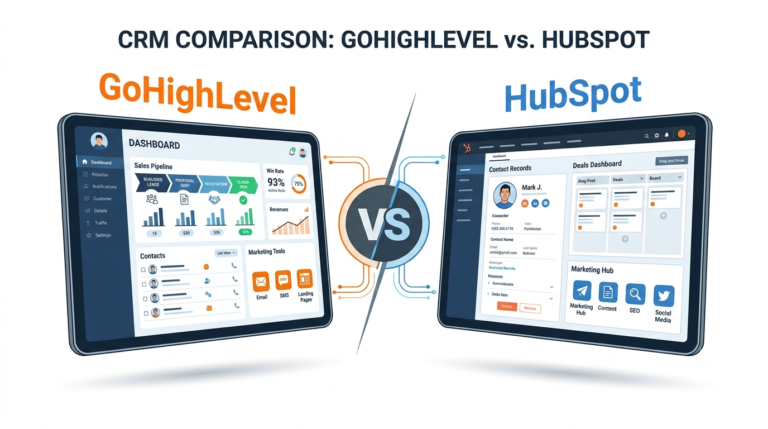
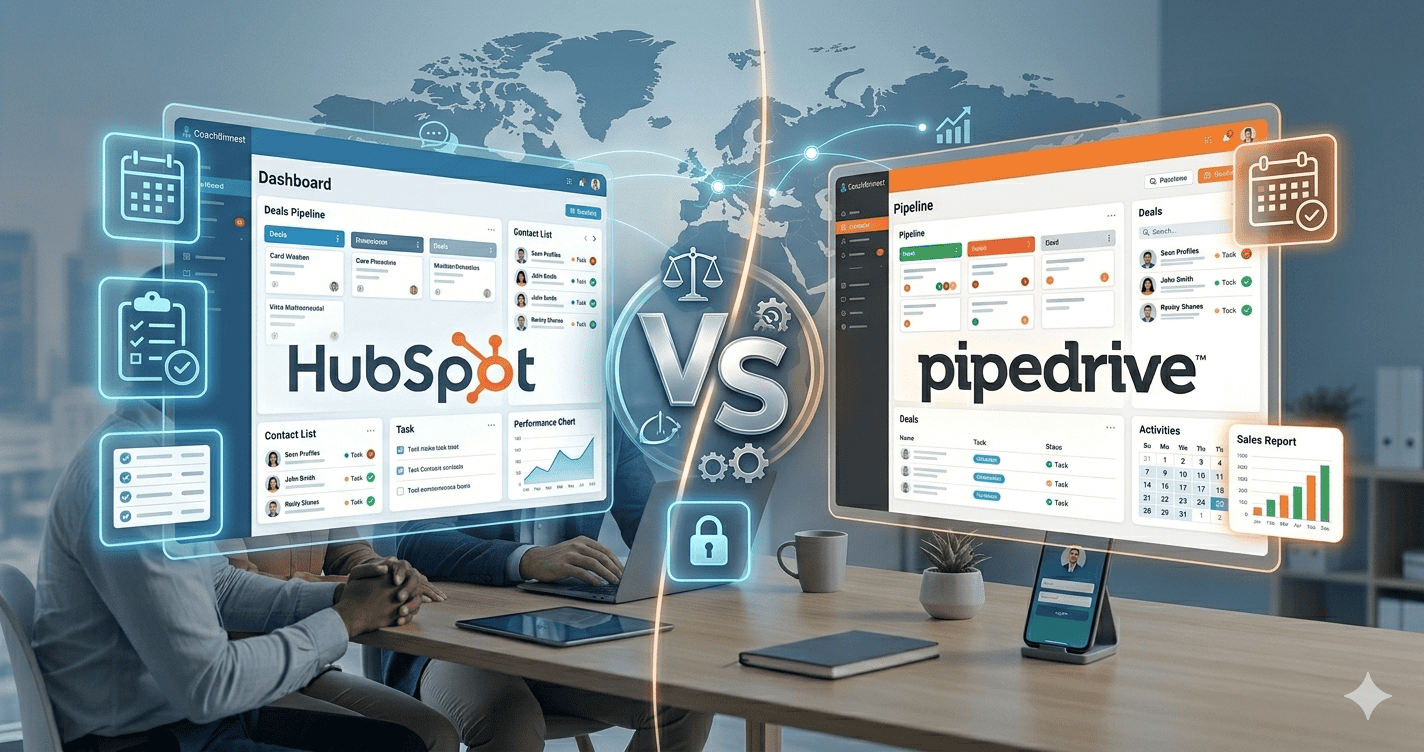
HubSpot and Pipedrive are both good CRMs, built for different jobs. HubSpot is a broad platform that grew out of marketing. Pipedrive is a focused sales pipeline. For a service business, the right choice depends on how you win work and what you’ll pay once you need automation. This comparison covers where each one wins, what they cost as you grow, and which fits which kind of business.
Our pick for quote-led service businesses: Pipedrive
Built around the sales pipeline, with activity reminders and deal-rotting alerts so no quote goes quiet. Free trial.
The short answer
- Choose Pipedrive if you win work through quotes and proposals and want the follow-up to run from a clear pipeline without paying enterprise prices.
- Choose HubSpot if marketing (content, email campaigns, landing pages, ads) drives your growth and the free CRM covers your sales needs, or you have budget for its higher tiers.
- Consider neither if your main need is scheduling and dispatching crews; field-service software fits better.
What each one is
HubSpot is a platform with several “hubs” (marketing, sales, service, content, operations) on top of a free CRM. It’s powerful and polished, and it’s priced for companies that use a lot of it.
Pipedrive is a sales CRM built around one idea: every deal on a visual pipeline with a next activity. It’s quick to learn and good at making sure nothing is forgotten.
Side by side
| HubSpot | Pipedrive | |
|---|---|---|
| Best at | Marketing plus sales in one place | Keeping every deal moving |
| Free option | Free CRM | Free trial |
| Pipeline | Good, customisable | Excellent, the core of the product |
| Automation | Basic on lower tiers; advanced workflows on higher tiers | Automations available on paid plans |
| Marketing tools | Extensive | Limited; add-ons available |
| Learning curve | Moderate to steep as you add hubs | Low |
| Cost as you grow | Can rise steeply per seat and by contacts | Rises more gradually per user |
Plans and prices change often; check both vendors’ current pricing pages for the features you actually need.
Where HubSpot wins
- Free CRM: a genuinely useful free tier for a solo owner who mainly needs contacts and a simple pipeline.
- Marketing: email campaigns, landing pages, forms and reporting on where leads come from are all in one place.
- Service desk: ticketing and a knowledge base if you handle a lot of customer support.
Where Pipedrive wins
- Follow-up discipline: every deal needs a next activity, and deals that go quiet are flagged. For quote-led businesses this is exactly the leak that matters.
- Simplicity: reps pick it up in an afternoon and actually use it.
- Price for automation: useful automations without jumping to an enterprise-level tier.
Which fits your service business
| Your business | Better fit | Why |
|---|---|---|
| Roofing, solar, remodelling, commercial cleaning | Pipedrive | High-value quotes that need steady follow-up |
| Agency or consultancy with a content strategy | HubSpot | Marketing tools and attribution |
| Solo trade using the CRM as an address book | HubSpot free | Nothing to pay until you need more |
| Coach or course creator | Neither: consider Systeme.io | Funnels, email and payments in one place |
| Crews, dispatch and job costing | Field-service software | Scheduling is the core need |
A third option worth considering
If you have a team of three or more with several lead sources, Zoho CRM sits between the two: a free edition for up to 3 users, with workflow and routing rules on paid editions at lower prices than HubSpot’s higher tiers. See Zoho CRM vs HubSpot and Pipedrive vs Zoho CRM.
Need something between the two?
Zoho CRM has a free edition for up to 3 users and adds routing, workflows and reporting as you grow. A strong middle option for small teams.
Moving from HubSpot to Pipedrive
- Export contacts, companies and deals from HubSpot.
- Recreate your pipeline stages in Pipedrive, then import the deals into matching stages.
- Rebuild your key follow-ups, starting with quote follow-up.
- Run both side by side for a couple of weeks before cancelling.
Frequently asked questions
Is Pipedrive better than HubSpot for small businesses?
For small businesses that sell through quotes and proposals, usually yes. For small businesses whose growth comes from marketing, HubSpot’s tools may be worth more.
Is HubSpot really free?
The free CRM is free with core features. Advanced automation, reporting and some team features require paid tiers.
Can Pipedrive send marketing emails?
It has email tools and add-ons for campaigns, but marketing isn’t its strength. Many businesses pair it with a dedicated email tool.
Which is easier to learn?
Pipedrive, for most people. HubSpot is intuitive at first but grows more complex as you add hubs.
Compare our top picks
Related guides
- HubSpot alternatives for service businesses
- Pipedrive review for service businesses
- HubSpot review for service businesses
- How to follow up on unsold estimates
Affiliate Disclosure: This article contains affiliate links. If you sign up through them we may earn a commission at no extra cost to you. It never decides which tool we recommend. See how we test and recommend tools.