
Why the Fastest Text Wins the Job (Not the Best Quote)
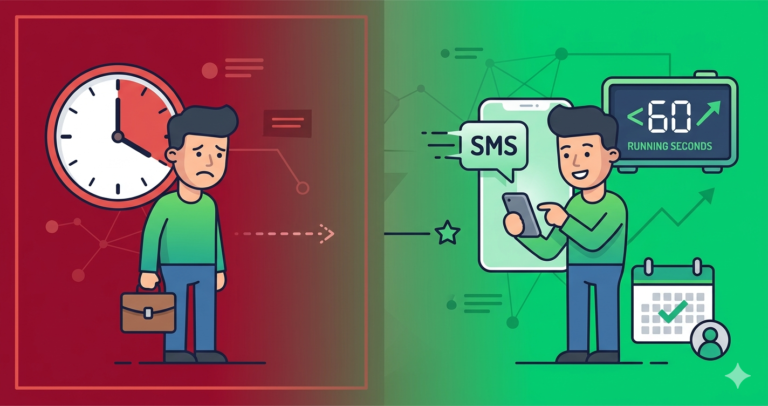
A lead fills out a form at 2pm. The business owner is mid-job, phone in a pocket, and doesn’t see it until 6pm when they finally check messages — by which point the homeowner has already texted two other companies and booked with whoever answered first. Nobody did anything wrong here. It’s just what happens when follow-up depends on a person noticing something in real time.
SMS automation exists to remove that dependency. The message goes out the moment the lead comes in, whether anyone’s looking at their phone or not.
Why Text Beats Everything Else for This
Text messages get read almost immediately — industry data suggests the average text gets opened within a few minutes, compared to well over an hour for email. When someone’s comparing a few companies at once, that speed difference is often the whole reason one business gets the booking and another doesn’t.
The three moments where this pays off most: the instant a new lead comes in, the days after an estimate goes out, and the day before a scheduled appointment. Getting these three right covers most of what actually moves the needle.
What Actually Matters in the Tool You Pick
Two-way texting, not just outbound blasts — a lead needs to be able to reply and have that message land somewhere a real person sees it. Triggers based on actual events (a new lead, a sent estimate, a booked appointment), not just scheduled campaigns. Different messaging for business hours versus after hours, since a promise of “calling you back in 15 minutes” at 11pm just damages trust. And proper registration for business texting (A2P 10DLC in the US) so messages don’t get filtered as spam before anyone sees them.
How the Main Platforms Stack Up
| Platform | Native SMS | Two-Way | Starting Price |
|---|---|---|---|
| GoHighLevel | ✅ Native | ✅ Built-in | $97/month |
| Zoho CRM | Via Zoho Cliq/Twilio | ✅ With integration | $14/user/month |
| Housecall Pro | ✅ Built-in | ✅ Built-in | $49/month |
| Jobber | ✅ Built-in | ✅ Built-in | $49/month |
| Systeme.io | Via Zapier/Twilio | Via integration | Free / $27/month |
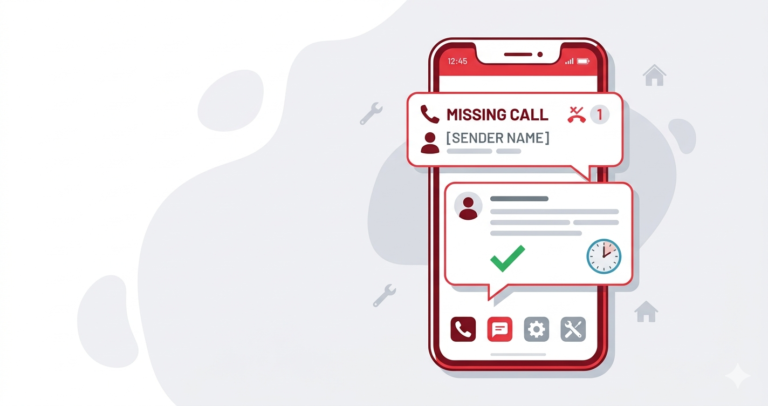
GoHighLevel is the deepest option if SMS is genuinely central to how you convert leads — everything runs natively without stitching together Twilio or Zapier, and the missed-call text-back feature alone (covered in more depth in our missed call automation guide) is hard to replicate elsewhere.
Zoho CRM handles this through workflow automation paired with Zoho Cliq or a Twilio connection. It’s a bit more setup than GoHighLevel, but for a growing team juggling leads from several different sources, it keeps the follow-up consistent no matter where a lead came from.
Housecall Pro and Jobber both bake SMS into the scheduling workflow directly — booking confirmations, reminders, and review requests fire automatically as part of the job lifecycle, which makes them the simplest option if you’re already using either for field operations.
If you’re mostly running things through Systeme.io, SMS isn’t native but can be connected via Zapier or a Twilio integration — a reasonable path for smaller operations that don’t need the full weight of a dedicated SMS platform.
The Sequence Worth Copying
Whatever platform you’re on, this basic four-step pattern covers most of the value:
- Instant response when a lead comes in — acknowledging the enquiry and setting an expectation for when you’ll call
- A follow-up a couple days after an estimate goes out — a short, low-pressure check-in
- A reminder the day before a scheduled appointment — with an easy way to confirm or reschedule
- A review request the day after the job’s done — timed while satisfaction is still fresh
Businesses running something close to this pattern reliably see better lead-to-booking rates and noticeably fewer no-shows. It’s not complicated — it’s just consistent, which is exactly what manual follow-up struggles to be.
A Quick Note on After-Hours Messaging
Running the same message regardless of time of day is a common misstep — a lead who reaches out at 9pm already knows you’re closed, so promising an immediate callback rings hollow. A time-aware version that acknowledges the hour and sets a realistic next-morning expectation reads as more credible. Our after-hours lead response guide covers this in more detail.
Related reading: our guides on missed call automation and CRM automations for contractors.
Affiliate Disclosure: This article contains affiliate links. If you click through and make a purchase, we may earn a commission at no additional cost to you. We only recommend products we believe add real value to our readers.