CRM for Google Local Services Ads: Answer Every Lead in 5 Minutes
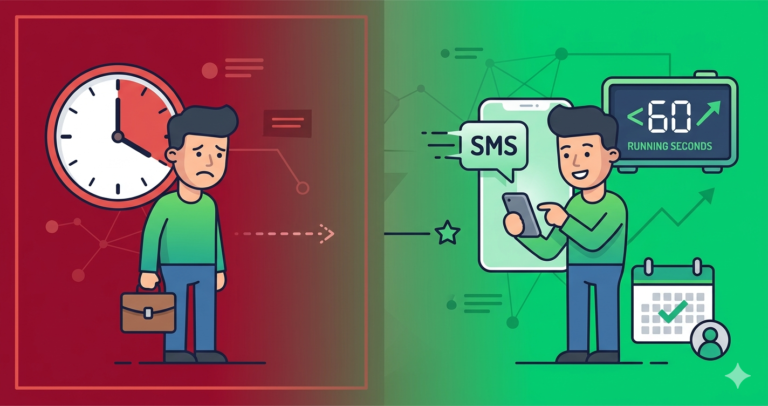
A homeowner needs a burst pipe fixed now. She taps the Local Services Ad at the top of Google and messages three plumbers. One replies in four minutes; the other two reply within the hour. She books the one who replied in four minutes. The other two paid for that lead as well and got nothing for it.
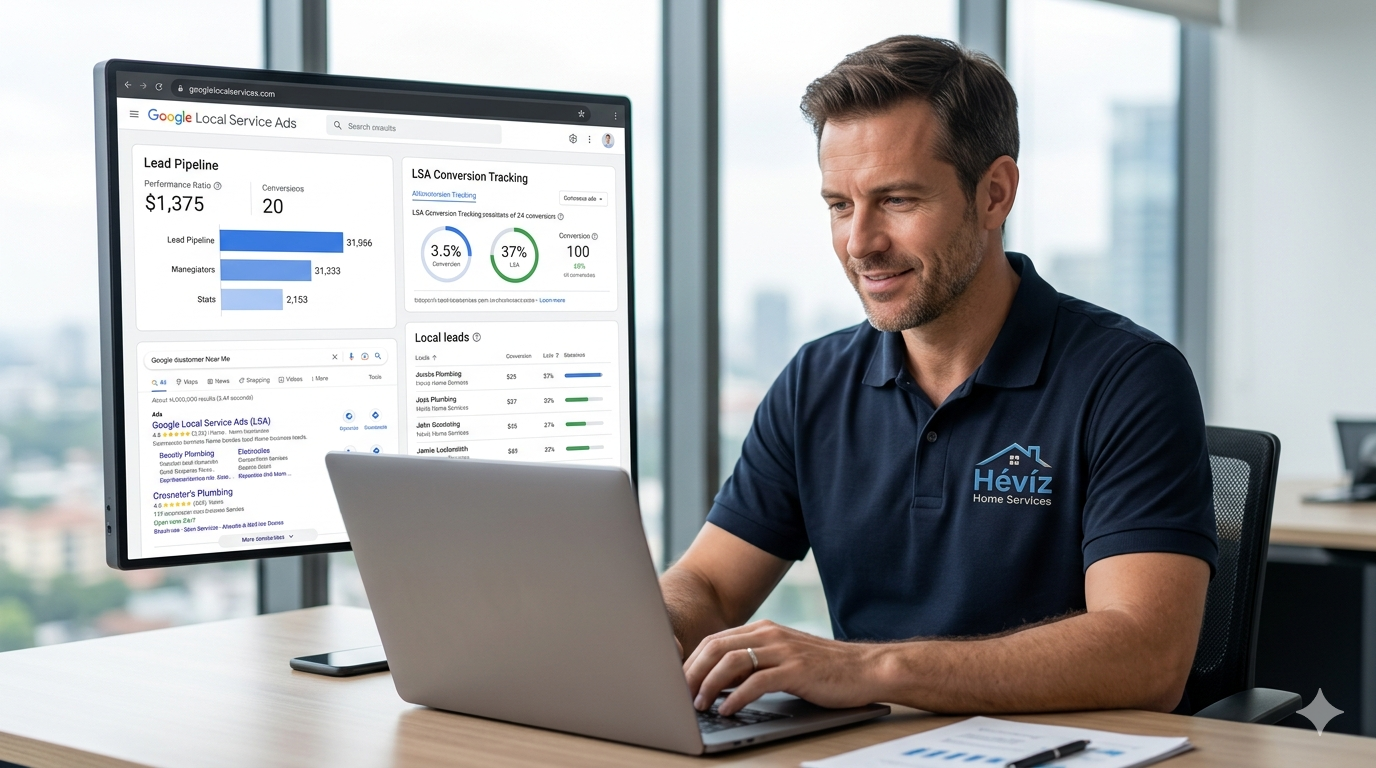
That is how Local Services Ads work in practice: you pay per lead, and the lead usually goes to whoever answers first. The CRM behind your ads matters as much as the budget. This guide shows the cost of slow replies, a five-minute response routine with the exact messages, and how to get each LSA lead into a CRM so the first text goes out on its own.
Editor’s choice for LSA lead handling: Zoho CRM
Route every Local Services lead to the right person, start the follow-up automatically and report cost per booked job by source. Free edition for up to 3 users; workflow automation on paid editions.
Why LSA punishes slow follow-up
With most marketing, a slow reply costs you a lead you got for free. With Local Services Ads it costs you a lead you’ve already paid for. LSA leads also arrive in three different forms (phone calls, messages and booking requests), and messages and bookings are the ones that tend to sit unanswered while everyone is on a job.
Work it out with your own figures. Say you get 50 LSA leads a month at $45 each, so $2,250 in spend. If slow replies mean you only reach 25 of them and book 15, each booking cost you $150. If a fast routine lets you reach 40 and book 24, the same spend now costs about $94 a booking, and you have 9 more jobs from money you were spending anyway.
The five-minute response routine
- Lead arrives: an instant text goes out (script below) and the lead is logged with the source “LSA”.
- Team alert: the person on call gets a notification to ring within five minutes.
- No answer on the call: leave a short voicemail and send the second text.
- 30 minutes: an email with a booking link, for people who prefer to pick a slot themselves.
- 2 hours: one final text.
- Next day: one last check-in, then mark the lead as lost with a reason.
Copy-paste LSA scripts
First text (within a minute)
“Hi [Name], thanks for contacting [Business] through Google. We’ve got your request for [service] and will call you within 5 minutes. If it’s easier, reply here with your address and a good time.”
After a missed callback
“We just tried calling you about [service]. We’ll try once more shortly, or you can book straight in here: [link].”
Voicemail
“Hi [Name], it’s [your name] from [Business], returning your Google request about [service]. I’ve sent you a text as well, so reply there whenever suits and we’ll get you booked.”
Final text
“Hi [Name], just making sure you’re sorted with [service]. If you still need help, we have a slot [day/time]. Reply YES and it’s yours.”
Getting LSA leads into your CRM: the walkthrough
Local Services Ads doesn’t push leads into every CRM on its own, so there are three practical routes. Pick the simplest one that your tools support.
Route 1: a built-in connection
Some field-service and marketing platforms (for example Housecall Pro and GoHighLevel) offer a direct LSA connection that pulls leads in automatically. If you already use one of them, turn it on and map LSA leads to their own source tag.
Route 2: an automation tool
If your CRM doesn’t connect directly, an automation tool such as Zapier or Make can sit in between. The usual pattern is to capture the new lead (from a supported connector or from the LSA notification email), create a lead in Zoho CRM or Pipedrive tagged “LSA”, then send the first text through your texting service.
Route 3: phone and notifications first
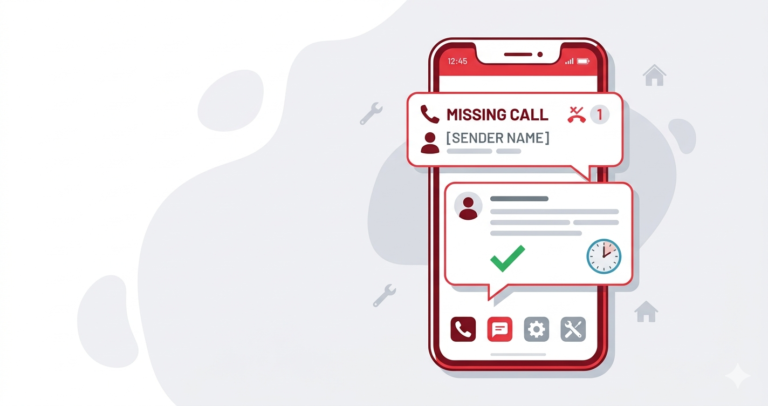
If neither is possible yet, make sure LSA calls ring through to someone who can answer, turn on LSA app notifications for messages, and use a missed-call text-back on the business line. Then add each lead to your CRM by hand the same day so it gets the follow-up.
Whichever route you use, tag every lead with its type (call, message or booking) and service. That’s what later shows you which categories are worth bidding on.
Paying for leads? Make sure none of them sit untouched.
Pipedrive puts each Local Services lead on a pipeline and flags anyone who hasn’t been contacted, so a paid lead never goes quiet. Free trial, then from $14 per user per month.
Which tool fits you
- Zoho CRM fits teams handling LSA alongside other lead sources (website, Facebook, referrals) who need routing rules and per-source reporting. Not for: an owner who wants everything running in an afternoon.
- Pipedrive fits sales-led trades where an LSA enquiry turns into a quote, such as roofing, remodelling or HVAC replacement. Not for: businesses that mostly need a booking calendar.
- Field-service platforms such as Housecall Pro or Jobber fit dispatch-heavy trades that want scheduling, invoicing and leads in one place. We don’t have a partnership with them, but they’re worth comparing: see Jobber vs Housecall Pro vs GoHighLevel.
Frequently asked questions
Does Google Local Services Ads connect directly to CRM software?
Some platforms have a direct connection; many don’t. Where there isn’t one, an automation tool or notification-based workflow can create the lead in your CRM within a minute or two.
What’s the one number worth watching?
Cost per booked job, split by lead type and service. Calls, messages and booking requests don’t convert equally, and that split tells you where to adjust your budget.
Can I dispute a bad LSA lead from inside a CRM?
No. Lead disputes and credits are handled inside Google’s own Local Services dashboard. A CRM helps by keeping a clear record of each contact attempt, which makes the case easier to put together.
How fast is fast enough?
Aim for a text within a minute and a call within five. The first business to reply properly usually gets the job.
Compare our top CRM picks
Zoho CRM
Free edition for 3 users. Lead routing, rules and multi-source tracking. Workflows on paid editions.
Related guides
- Missed-call text-back: scripts and setup
- Getting Facebook lead ads into your CRM
- Why slow lead follow-up costs more than you think
- Answering enquiries that arrive after hours
- CRM integrations for service businesses
Affiliate Disclosure: This article contains affiliate links. If you sign up through them we may earn a commission at no extra cost to you. It never decides which tool we recommend. See how we test and recommend tools.